3 Shootthe imageafterthe
exposureisset.
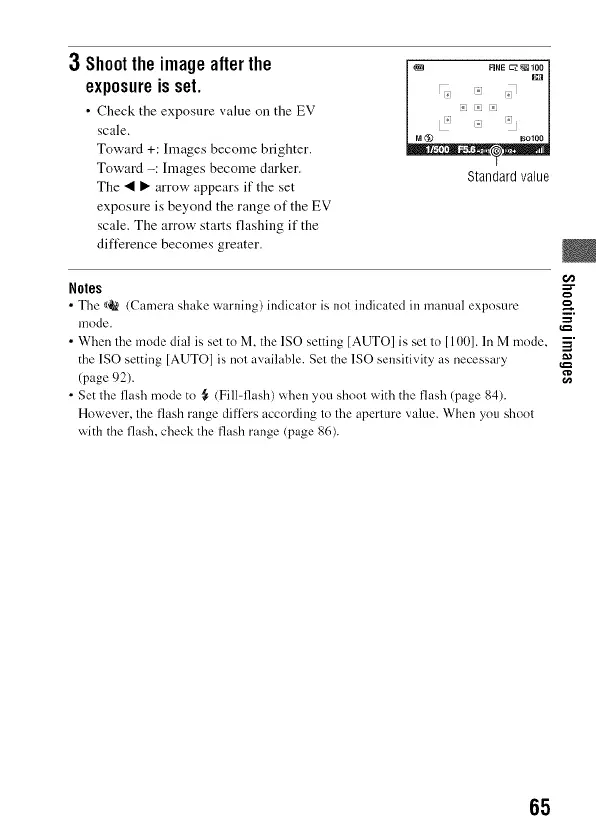
• Check the exposure value on the EV
scale.
Toward +: hnages become brighter.
Toward -: hnages become darker.
The _1 I_ arrow appears if the set
exposure is beyond the range of the EV
scale. The arrow starts flashing if the
difference becomes greater.
Standard value
Notes =="
• Tile _/OR(Camera shake warning) indicator is nol indicated in manual exposure
mode.
• When file mode dial is sel to M, the ISO setting [AUTO] is sel lo [100]. In M mode, _"
=a
the 1SO setting [AUTO] is nol available. Set the 1SO sensitivity as necessary _._
(page 92). ra
• Set tile flash mode to _ (Fill-flash) when you shool with the flash (page 84).
However, the flash range differs accoMing to tile aperture value. When you shool
widl the flash, check lhe flash range (page 86).
65



 To Next Page