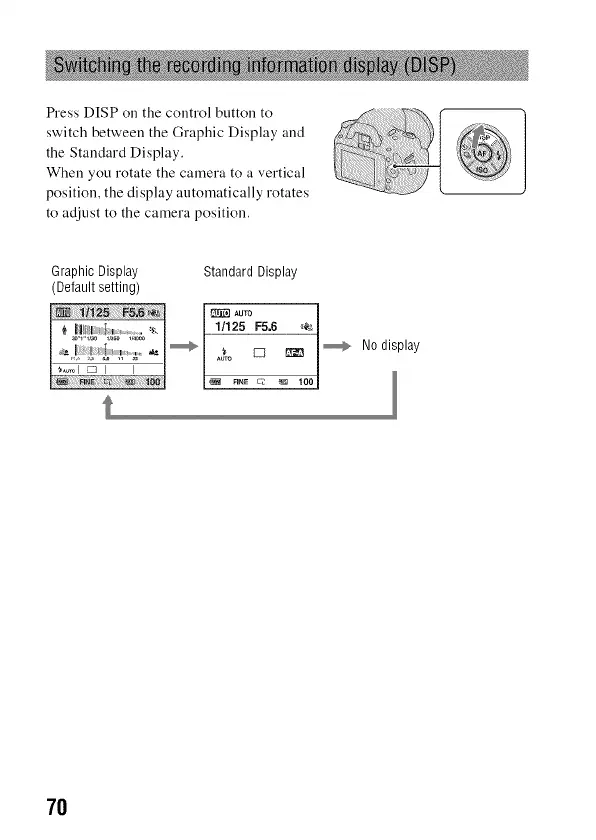
Press DISP on the control button to
switch between the Graphic Display and
the Standard Display.
When you rotate the camera to a vertical
position, the display automatically rotates
to adjust to the camera position.
_!!iiiiii_;!!!:_i_i!!?!_i!i;i;!!i!iiiil;iii!iJ:ii!i!¸¸¸
iiiii_ii_i,i_i_ii'_
GraphicDisplay StandardDisplay
(Defaultsetting)
7O



 To Next Page