GB
26
Functions list
Functions that can be operated using
the buttons/dials
You can set up or operate various functions using these buttons/dials.
For the location of the buttons/dials, see “Identifying parts” (page 16).
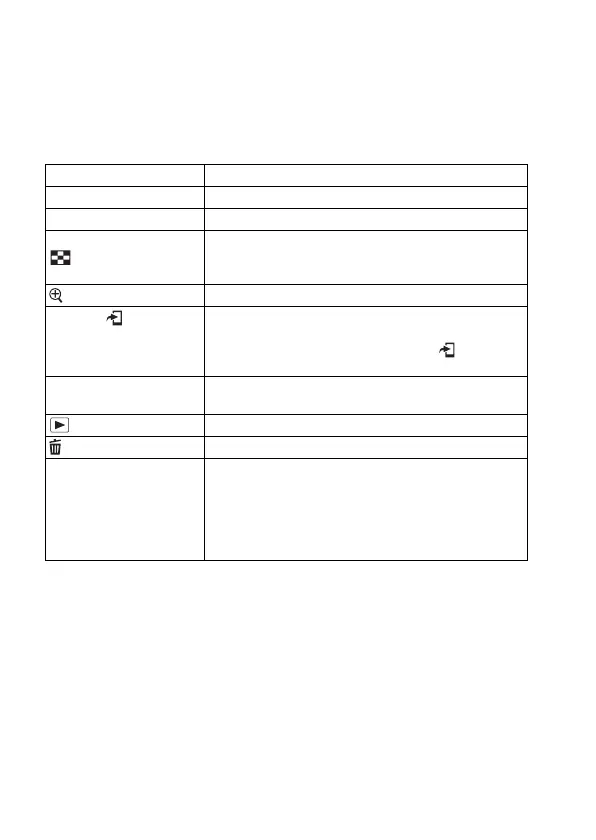
Mode dial Switches the shooting mode.
MENU button Displays the menu screen for setting menu items.
MOVIE button Records movies.
AF/MF button/AEL button/
button
Switches the autofocus and manual focus temporarily./
Fixes the exposure of the entire screen./Displays
multiple images on the screen simultaneously.
button Scales an image up when viewing images.
Fn button/ button Displays the setup screen for functions set using the Fn
button. In [For viewfinder] screen, switches to the Quick
Navi screen./In playback mode, pressing button
switches to “Send to Smartphone” screen.
Exposure compensation
dial
Sets the range for exposure adjustment.
button Plays back images.
button Deletes images.
Custom button Assigns a frequently-used function to the button.
The following function is assigned to each button in the
default settings.
C1 (Custom 1) button: Focus Settings
C2 (Custom 2) button: Focus Mode
C3 (Custom 3) button: Not set



 To Next Page