Using the software
GB
82
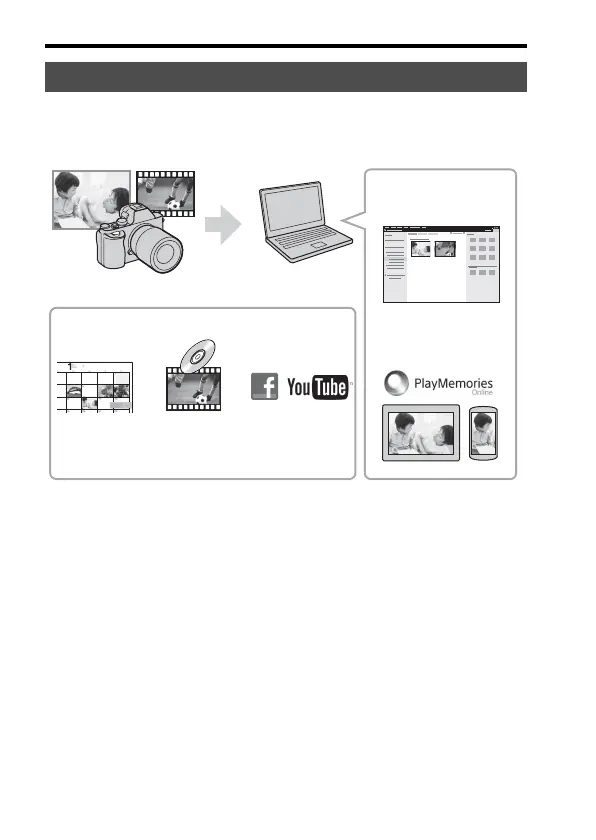
The software PlayMemories Home allows you to import still images and
movies to your computer and use them. PlayMemories Home is required
for importing XAVC S movies or AVCHD movies to your computer.
• You can download Image Data Converter or Remote Camera Control,
etc. by performing the following procedure:
Connect the camera to your computer
t launch PlayMemories Home t
click [Notifications].
Using PlayMemories Home
Importing images from your camera
Sharing images on
PlayMemories
Online™
Uploading
images to
network services
Creating
movie
discs
Viewing images
on a calendar
For Windows, the following functions are also
available:
Playing back imported
images



 To Next Page