Functions list
GB
27
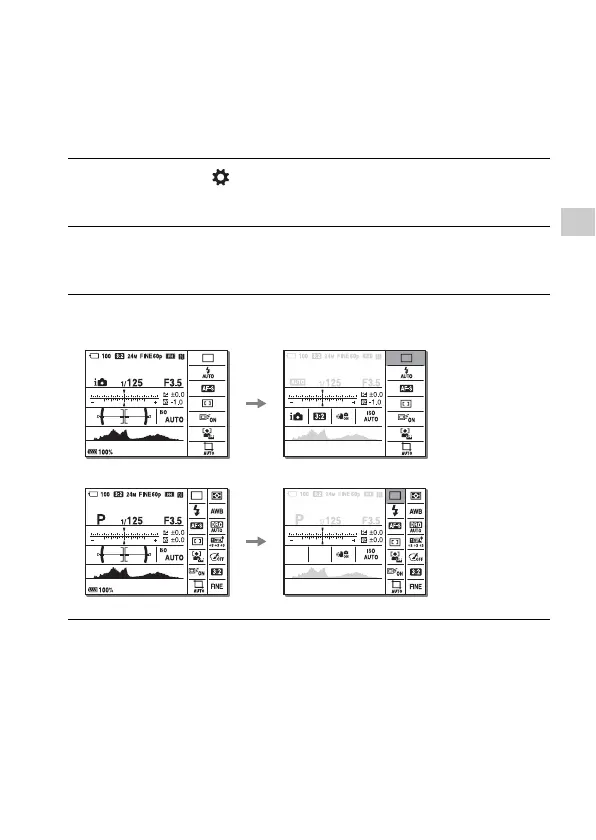
How to use the Quick Navi screen
Using the Quick Navi screen, you can change settings directly on the
recording information display when the screen mode is set to [For
viewfinder] (Quick Navi).
1 MENU button t (Custom Settings) 2 t [DISP Button] t
[Monitor] t [For viewfinder] t [Enter]
2 Press the DISP on the control wheel to set the screen mode to
[For viewfinder].
3 Press the Fn button to switch to the Quick Navi screen.
In Auto Mode or Scene Selection mode
In P/A/S/M/Sweep Panorama mode
4 Select the desired item with v/V/b/B on the control wheel.



 To Next Page