40
Playing CDs
1 Insert a CD.
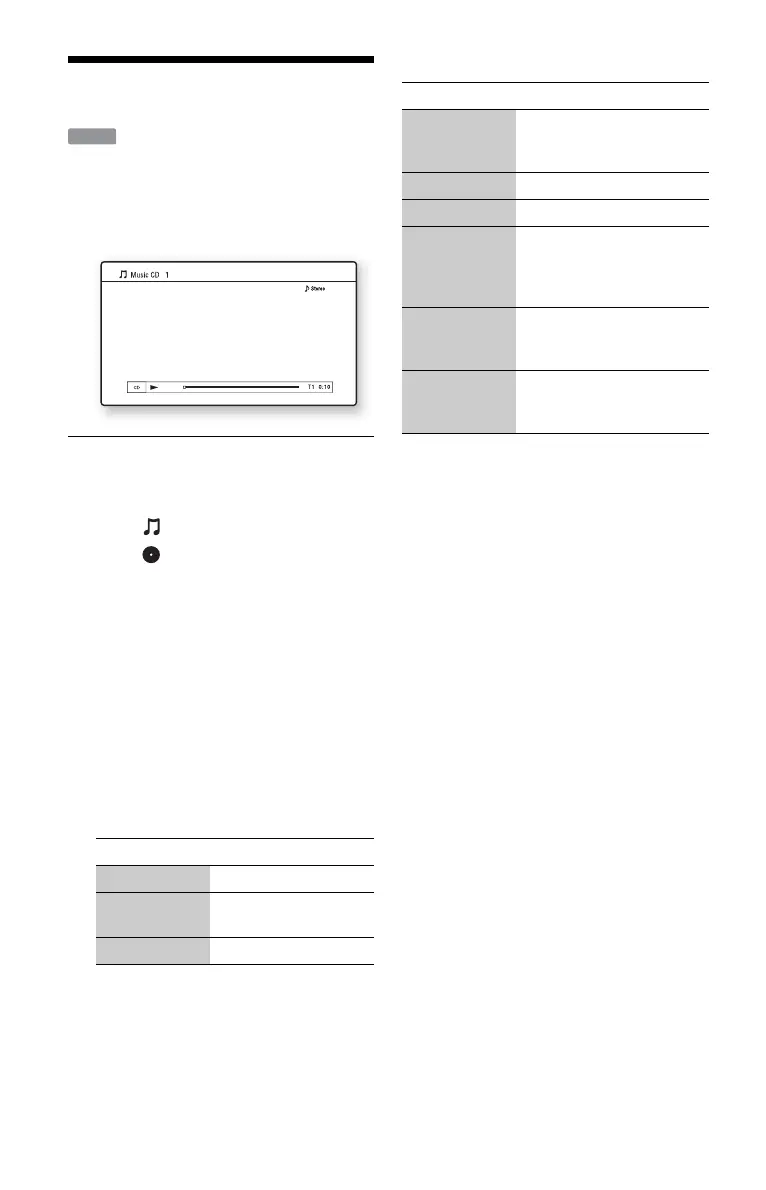
The Music Player screen appears.
2 Press N PLAY.
Playback starts.
To select a track
1 Press HOME.
2 Select (Music) using </,.
3 Select , and press ENTER.
The music list appears.
4 Select a track using M/m.
To play the selected track, press
N PLAY or ENTER.
Available OPTIONS
1 Press OPTIONS.
The options menu appears.
2 Select an item using M/m, and press
ENTER.
The available items differ depending on
the situation.
Various music playback operations
b
The point where you stopped playing (resume
point) is cleared from memory when:
– you open the disc tray, or
– you turn off the player.
Items Details
Play Plays the selected track.
Play from
beginning
Plays the current track
from the beginning.
Stop Stops playing the track.
CD
Buttons Operations
N PLAY Starts playback from the
point where you pressed
x STOP.
x STOP Stops playback.
X PAUSE Pauses playback.
. PREV/
NEXT >
Skips to the beginning of the
current or next track. To go
to the previous track press
. PREV twice.
m/M Fast reverse/fast forwards
when pressed during
playback.
TIME Switches time information
on the screen and the front
panel display (page 11).













 To Next Page