43
Settings and Adjustments
Settings and
Adjustments
Using the Settings
Displays
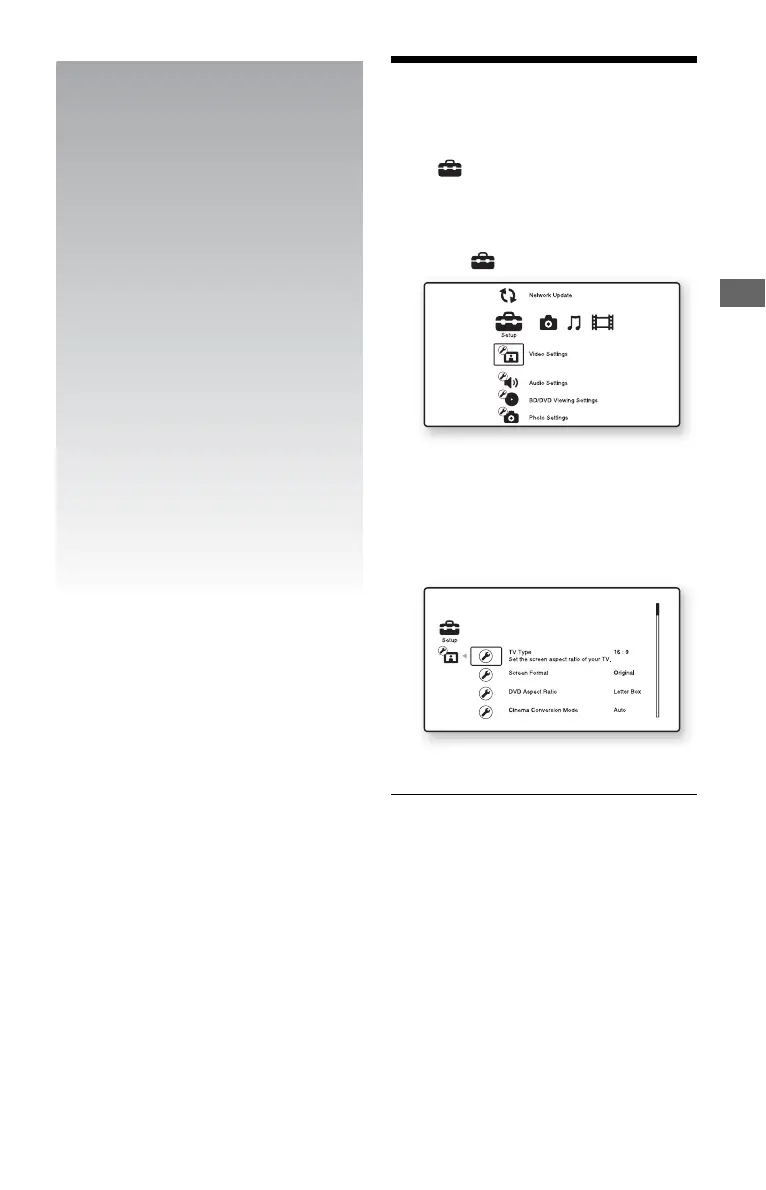
Select (Setup) on the home menu when
you need to change the settings of the player.
1 Press HOME.
2 Select (Setup) using </,.
3 Select the setup category icon to
change using M/m, and press ENTER.
For details on setting options and setup
category icons, see “Setting list”
(page 44).
Example: Video Settings
4 Set the options.
,continued













 To Next Page