37
Advanced operations
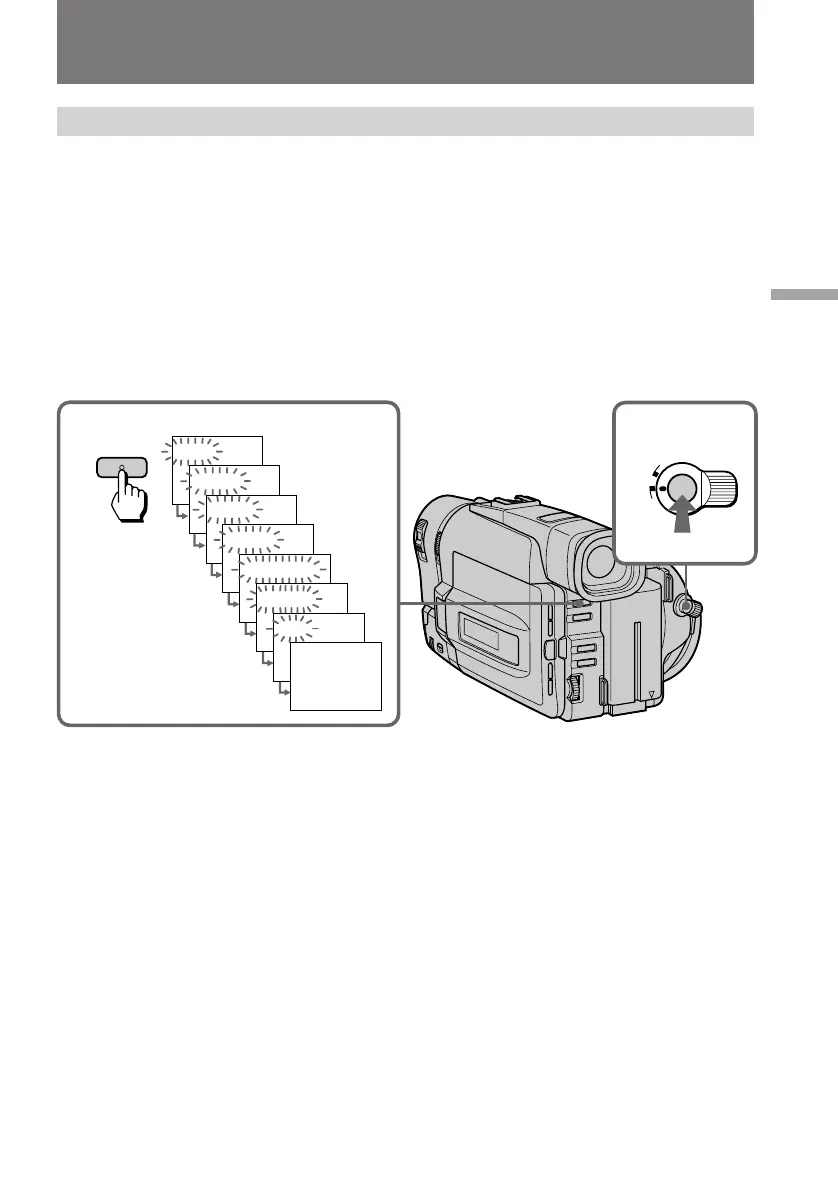
Using the FADER function
1
FADER
M.FADER
STRIPE
BOUNCE
MONOTONE
OVERLAP
WIPE
FADER
2
L
O
C
K
START/STOP
S
T
A
N
D
B
Y
Using the fader function
When fading in [a]
(1) While the camcorder is in Standby mode, press FADER until the desired fade
indicator flashes.
(2) Press START/STOP to start recording. The fade indicator stops flashing.
When fading out [b]
(1) During recording, press FADER until the desired fade indicator flashes.
(2) Press START/STOP to stop recording. The fade indicator stops flashing, and
then recording stops.
The fading mode selected last is indicated first of all.
Note on the bounce function
When you use the following functions or
D ZOOM is set to ON in the menu system, “BOUNCE” indicator does not appear.
– Wide mode
– Functions using the PICTURE EFFECT button
– Functions using the PROGRAM AE button


 To Next Page
 Loading...