– 11 –
SECTION 4
TEST MODE
4-1. AF MODE
Connect the TP19 (AFADJ) on the BD board to the ground and
turn on the power supply.
The AF mode is then activated and the following check can be
made.
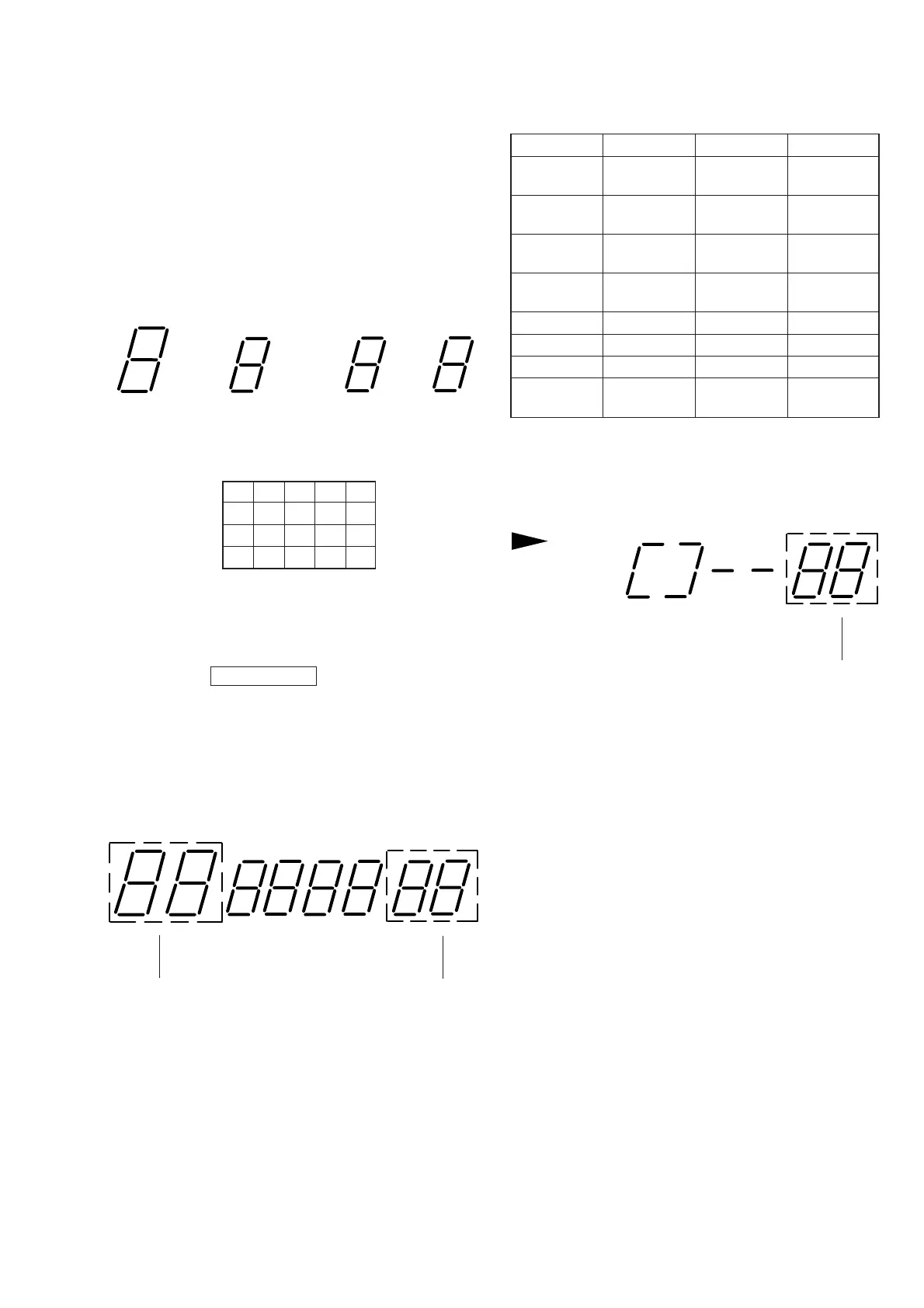
4-1-1. Fluorescent Indicator Tube Check
After confirming display of all on, keep pressing the following
button, and the following display is attained.
” (PLAY) button
(Display: 01)
P
(PAUSE) button
24
6810
12 14
16 18 20
(Display: 02)
(
(
count display button number
display
A track number on FL display tube increases if = AMS +
knob is rotated in + direction, or decreases in = direction.
Keep pressing the §OPEN/CLOSE button, and all on display is
attained again.
4-1-2. Key Check
All buttons are assigned with numbers respectively, and when each
button is pressed, it is counted and its number is displayed. Up to
“16” can be counted.
A button pressed once is not further counted but the number is
displayed. (Table 4-1)
Button Display Button Display
TIME 09
PUSH
24
ENTER
PLAY
10
EDIT/
27
MODE TIME FADE
AUTO
18 REPEAT 28
SPACE
CHECK 19
PEAK
29
SEARCH
CLEAR 20 p 33
FADER 21 ( 01
0 22 P 02
) 23
§ all light
OPEN/CLOSE up
Table 4-1.
4-1-3. Remote Commander Check
All buttons are assigned with numbers respectively.
If a button is kept pressed, its button number is displayed on the
FL display tube of main unit. (Table 4-2)
(
button number
display


 To Next Page