Priority settings for Bluetooth
®
connections
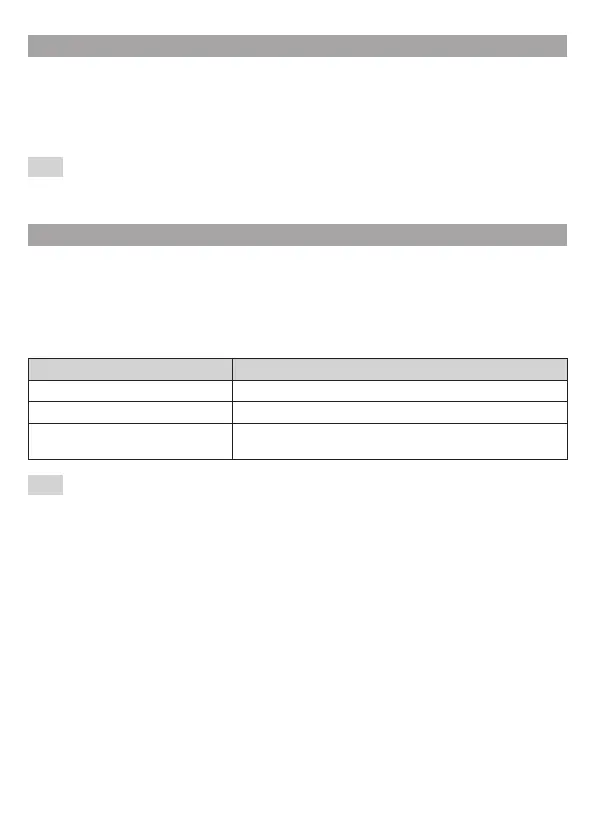
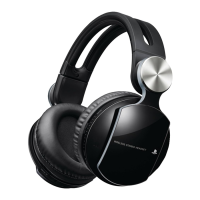
When you turn on the headset, it will automatically search for and connect to the PS3™ system
that it is paired with.
If you press the phone button on the headset after it is turned on and before it is connected to
the PS3™ system, the headset will search for and connect to a Bluetooth
®
device (other than the
PS3™ system) that has a previously established connection with the headset.
Hint
If the headset cannot connect to the paired PS3™ system, press the POWER button to enable the
headset to search for the PS3™ system again.
Charging the headset
You can charge the headset by connecting it to the supported USB device by using either a USB
cable or the charging cradle. During charging, the status indicator lights up in solid red.
Checking the remaining battery charge
If you press the POWER button two times while the headset is turned on, the status indicator
flashes in solid red. You can check the amount of remaining battery charge by the number of
times the status indicator flashes.
Indicator (red) Remaining battery charge
Flashes three times: Full
Flashes two times: Medium
Flashes one time briefly and then
flashes one time long:
Low (needs to be charged)
Hint
ˎ The headset cannot be turned on while the USB cable is connected. When the headset is
connected using the charging cradle, press and hold down the POWER button for about one
second to turn on the headset.
ˎ Charging takes approximately 3 hours when starting with no battery charge left.
ˎ During operation, the headset will beep when the remaining battery charge is low.
ˎ Charge in an environment where the temperature range is between 10°C – 30°C (50°F – 86°F).
ˎ Charging may not be as effective when performed in other environments.
ˎ If you do not plan to use the wireless headset for an extended period of time, it is
recommended that you fully charge it at least once a year to help maintain battery
functionality.


 To Next Page