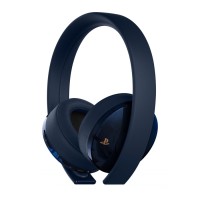
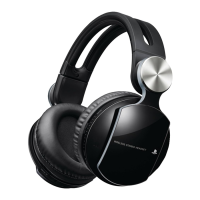
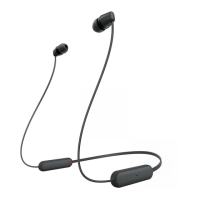
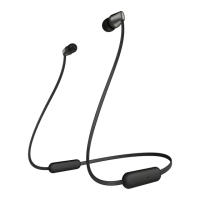
Wearing the headset
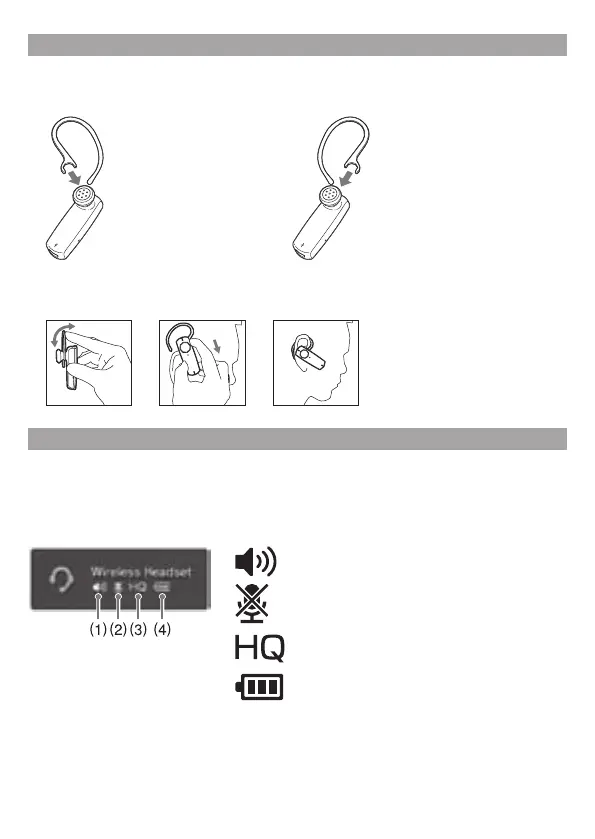
1 Attach the ear clip to the wireless headset.
To wear on the right ear To wear on the left ear
2 Gently push open the ear clip. While holding the ear clip open, slide it behind
your ear.
Headset features for the PS3™ system
Status display
When you press any of the headset’s buttons while it is connected to a PS3™ system, information
about the headset (including current status) will be displayed on the upper right corner of the
PS3™ system’s XMB
™
(XrossMediaBar) screen.
(1)
Indicates the current speaker volume
(2)
Indicates whether the mic muting function is
on or off
(3)
Indicates that High Quality (HQ) mode is on
(4)
Indicates how much battery charge remains in
the headset
High Quality (HQ) mode
The headset’s HQ mode enables wide-band wireless voice communication with the PS3™ system.
Use of HQ mode enables better radio-frequency interference rejection.
HQ mode is on by default when you first pair the headset with the PS3™ system.
To turn off the HQ mode, perform the following steps:


 To Next Page