4
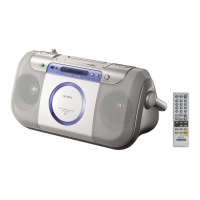
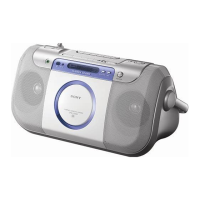
CFD-E75L
SECTION 2
GENERAL
This section is extracted from
instruction manual.
4
GB
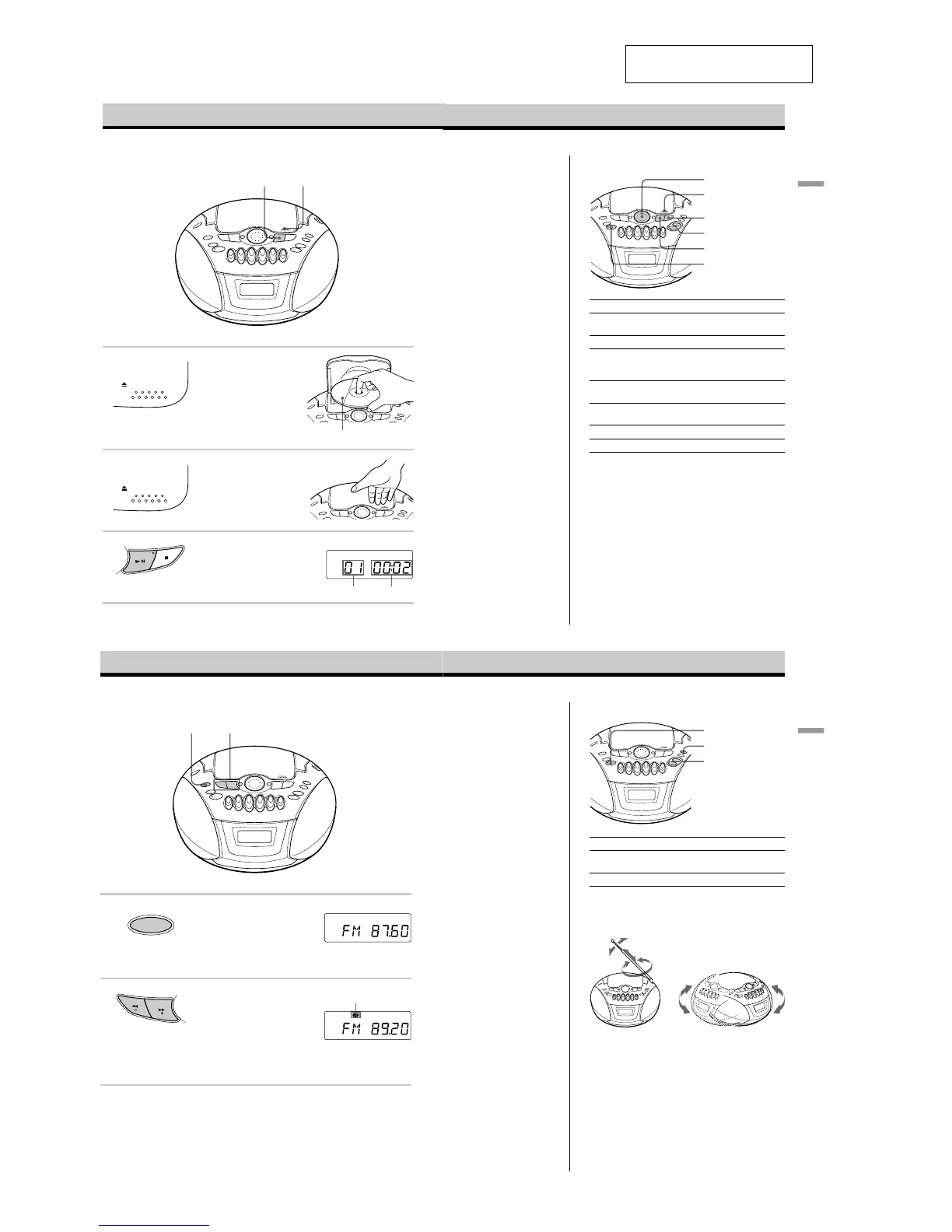
Connect the supplied mains lead (see page 24).
1
Press ZPUSH OPEN/CLOSE down
to open the CD compartment and
place the CD on the CD
compartment.
2
Close the lid of the CD compartment.
3
Press u (N on the remote).
The player turns on (direct power-on)
and plays all the tracks once.
Basic Operations
3
Playing a CD
Display
With the label side up
1, 2
PUSH OPEN/CLOSE
PUSH OPEN/CLOSE
Playing timeTrack number
Basic
Operations
5
GB
Use these buttons for additional operations
OPERATE
x
u
Jog dial
VOLUME +, –
ZPUSH
OPEN/CLOSE
To Do this
adjust the volume Press VOLUME +, – (VOL +, – on
the remote).
stop playback Press x.
pause playback Press u (X on the remote).
Press the button again to resume
play after pause.
go to the next track Turn the jog dial clockwise.
(On the remote, press >.)
go back to the previous track Turn the jog dial counterclockwise.
(On the remote, press ..)
remove the CD Press ZPUSH OPEN/CLOSE.
turn on/off the player Press OPERATE
About CD-Rs/CD-RWs
This player is compatible with CD-Rs/CD-RWs but
playback capability may vary depending on the quality of
the disc, the recording device and application software.
6
GB
Listening to the radio
Connect the supplied mains lead (see page 24).
1 Press RADIO BAND•AUTO
PRESET until the band you want
appears in the display (direct power-
on).
Each time you press the button, the
band changes as follows:
“FM” t “MW” t “LW”
2 Hold down TUNE + or – until the
frequency digits begin to change in
the display.
The player automatically scans the
radio frequencies and stops when it
finds a clear station.
If you can't tune in a station, press
the button repeatedly to change the
frequency step by step.
Display
Indicates an FM stereo
broadcast
12
RADIO
AUTO PRESET
BAND
T
U
N
E
Basic
Operations
7
GB
Use these buttons for additional operations
To Press
adjust the volume VOLUME +, –
(VOL +, – on the remote)
turn on/off the radio OPERATE
To improve broadcast reception
Reorient the aerial for FM. Reorient the player itself for
AM or MW/LW.
for FM for MW/LW
Tips
• If the FM broadcast is
noisy, press MODE until
“Mono” appears in the
display and the radio will
play in monaural.
• If you need to change the
AM/MW tuning interval,
see page 25.
OPERATE
VOLUME +, –
MODE







 To Next Page