How
to
print
still
images
When you print images shot in [16:9] mode, both
edges may be cut off, so be sure
to
check before
printing (page 89).
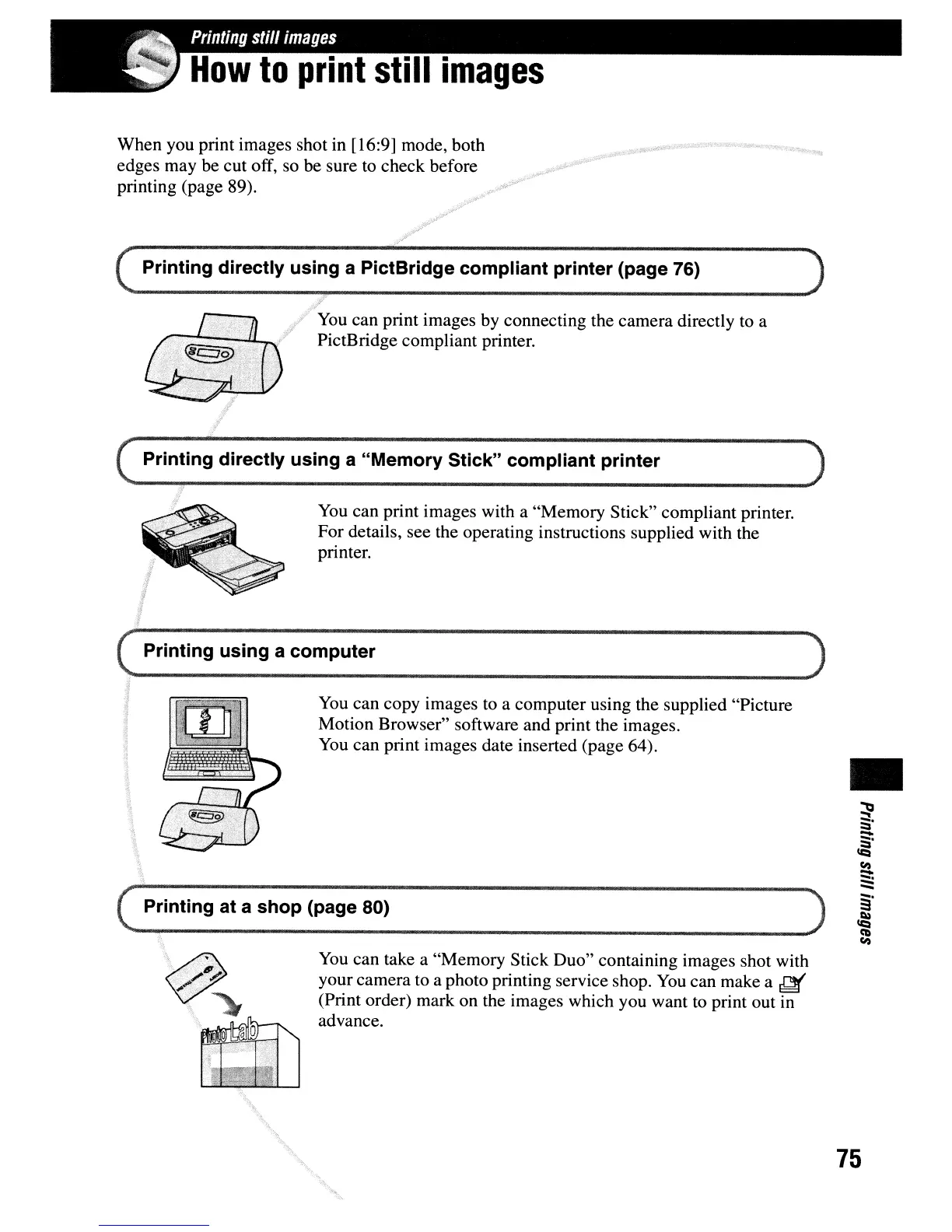
Printing directly using a PictBridge compliant printer (page 76)
You
can print images by connecting the camera directly to a
PictBridge compliant printer.
Printing directly using a "Memory Stick" compliant printer
You
can print images with a "Memory Stick" compliant printer.
For details, see the operating instructions supplied with the
printer.
(
Printing using a computer )
--
--------
( Printing at a
shop
(page 80)
You
can copy images to a computer using the supplied "Picture
Motion Browser" software and print the images.
You
can print images date inserted (page 64).
)
•
You
can take a "Memory Stick Duo" containing images shot with
your camera to a photo printing service shop.
You
can make a
~
(Print order) mark on the images which you want
to
print out in
advance.
'.
75


 To Next Page
 Loading...








