Camera
Function
Guide
For
details
on
the
operation
@j'
page
48
When
you operate the camera, the function guide appears.
~
On
Displays the function guide.
Off
Does not display the function guide.
Red
Eye
Reduction
..
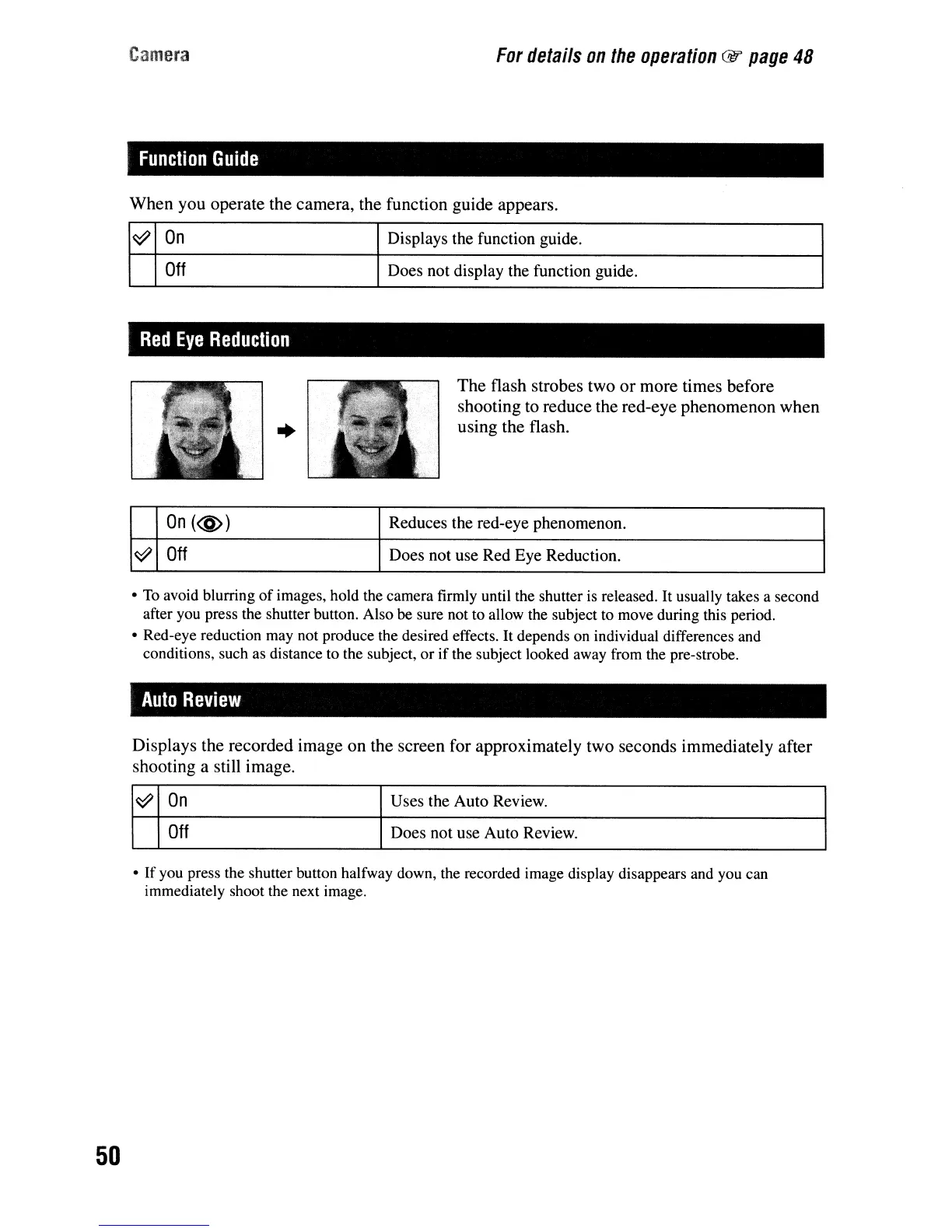
The flash strobes two
or
more times before
shooting to reduce the red-eye phenomenon when
using the flash.
50
On(@)
Reduces the red-eye phenomenon.
~
Off
Does not use Red Eye Reduction.
• To avoid blurring
of
images, hold the camera firmly until the shutter is released. It usually takes a second
after you press the shutter button. Also
be
sure not to allow the subject to move during this period.
• Red-eye reduction may not produce the desired effects. It depends on individual differences and
conditions, such as distance to the subject,
or
if
the subject looked away from the pre-strobe.
Auto
Review
Displays the recorded image on the screen for approximately two seconds immediately after
shooting a still image.
~
On
Uses the Auto Review.
Off
Does not use Auto Review.
•
If
you press the shutter button halfway down, the recorded image display disappears and you can
immediately shoot the next image.


 To Next Page
 Loading...








