Setup2
Clock
Set
Sets the date
and
time.
CD
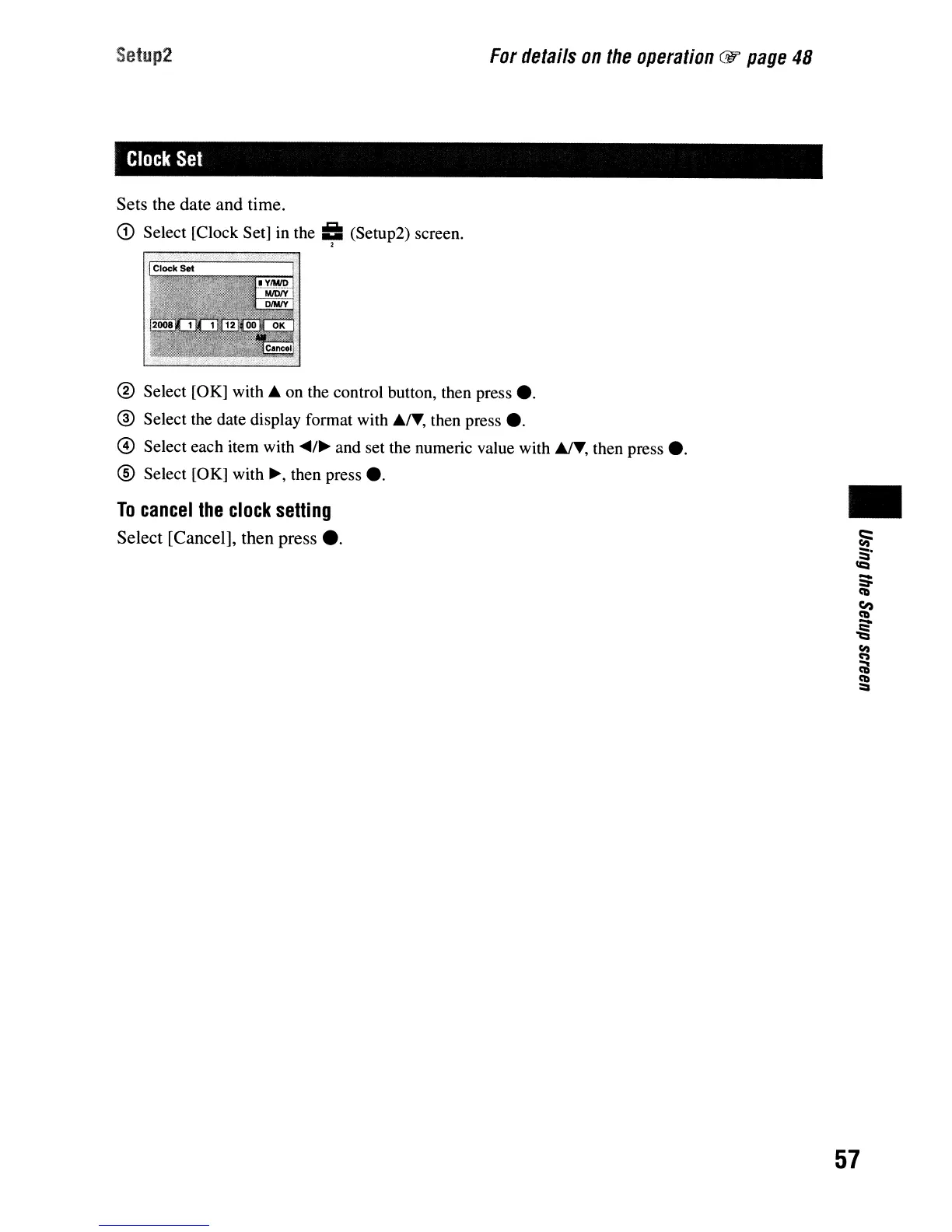
Select [Clock Set] in the
==
(Setup2) screen.
,
For
details
on
the
operation
@1'
page
48
® Select [OK] with A on the control button, then press e.
® Select the date display format with AIT, then press e.
@ Select each item with
....
/~
and set the numeric value with AIT, then press
e.
® Select [OK] with
~,
then press e.
To
cancel
the
clock
setting
Select [Cancel], then press
e.
•
57


 To Next Page
 Loading...








