33
Recording/Playback
DCR-HC32/HC42 2-584-906-11(1)
Searching for a scene by date of
recording (Date search)
You can locate the point where the
recording date changes.
1 Slide the POWER switch down to
turn on the PLAY/EDIT lamp.
2 Press SEARCH M.
.
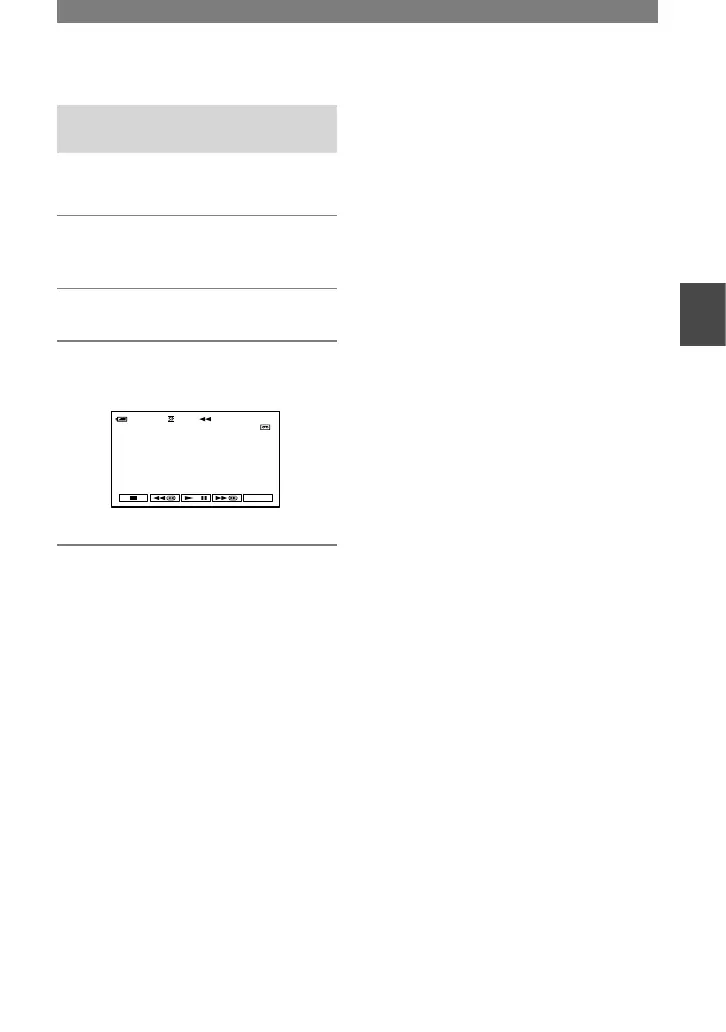
3 Press (previous)/(next)
to select a recording date.



 To Next Page