35
Recording/Playback
DCR-HC32/HC42 2-584-906-11(1)
•
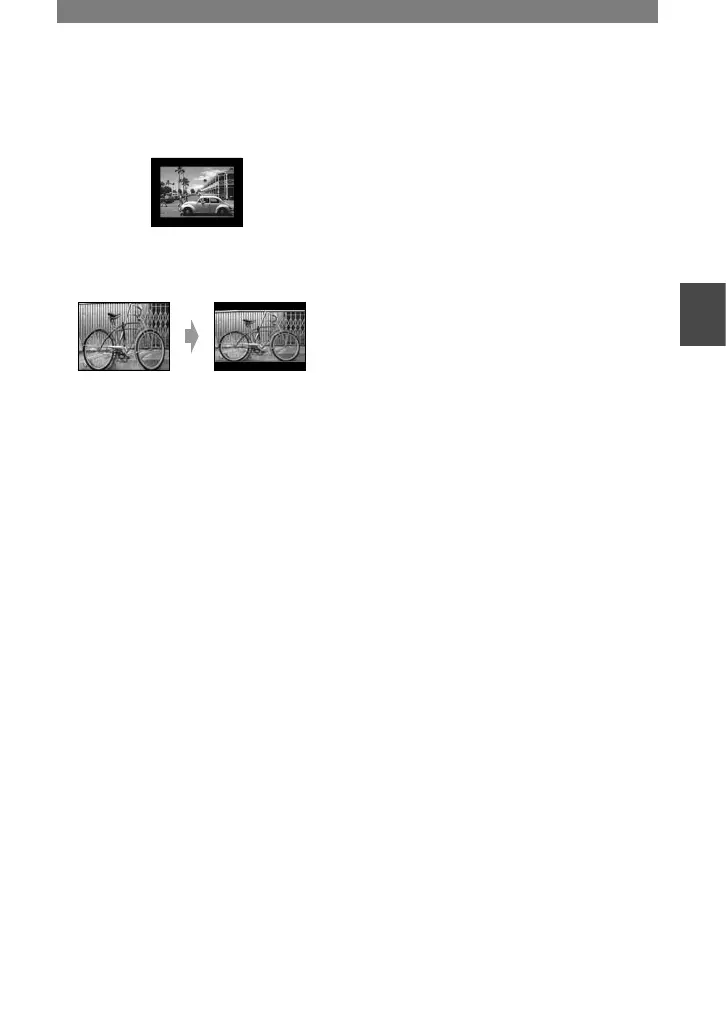
On some 4:3 TVs, the still image recorded in
4:3 aspect ratio may not appear in full screen.
This is not a malfunction.
•
When you play back a picture recorded in 16:9
aspect ratio on a 4:3 TV not compatible with
the 16:9 signal, set [TV TYPE] to [4:3].
When your TV is monaural (When
your TV has only one audio input jack)
Connect the yellow plug of the A/V
connecting cable to the video input jack
and connect the white (left channel) or the
red (right channel) plug to the audio input
jack of your TV or VCR.
• Do not connect A/V connecting cables to both
your camcorder and the Handycam Station at
the same time. The image and the sound might
be distorted.
• You can display the time code on the TV screen
by setting [DISP OUTPUT] to [V-OUT/
PANEL] (p. 56).



 To Next Page