49
Using the Menu
DCR-HC32/HC42 2-584-906-11(1)
SLIDE SHOW
Plays back the images stored on a
“Memory Stick Duo,” or in a folder in
sequence (slide show).
Touch [PB FOLDER].
Select [ALL FILES ( )] or [CURRENT
FOLDER ( )], then touch .
If you select [CURRENT FOLDER ( )],
all the images in the current playback
folder selected in [PB FOLDER] (p. 47)
are played back in sequence.
Touch [REPEAT].
Select [ON] or [OFF], then .
To repeat the slide show, select [ON ].
To execute the slide show only once, select
[OFF].
Touch [END] [START].
To cancel [SLIDE SHOW], touch [END].
To pause, touch [PAUSE].
• You can select the first picture for the slide
show with / before touching
[START].
• If movies are played in the slide show, you can
adjust the volume with / .
D. EFFECT (Digital effect)
You can add digital effects to your
recordings.
Touch the desired effect.
Adjust the effect with / , then
touch .
When you select [STILL] or [LUMI.
KEY], the image when you touch is
saved as a still image.
Effect Items to adjust
STILL
The degree of
transparency of the
still image you want
to superimpose on a
movie.
Effect Items to adjust
FLASH
The interval of frame-
by-frame playback.
LUMI. KEY
The color scheme of
the area in the still
image which is to be
swapped with a movie.
TRAIL
The fade time of the
incidental image.
SLOW SHUTTR*
Shutter speed (1 is
1/30, 2 is 1/15, 3 is
1/8, 4 is 1/4).
OLD MOVIE*
No adjustment
necessary.
* Available during recording only.
Touch .
appears.
To cancel [D. EFFECT], touch [OFF] in
step
.
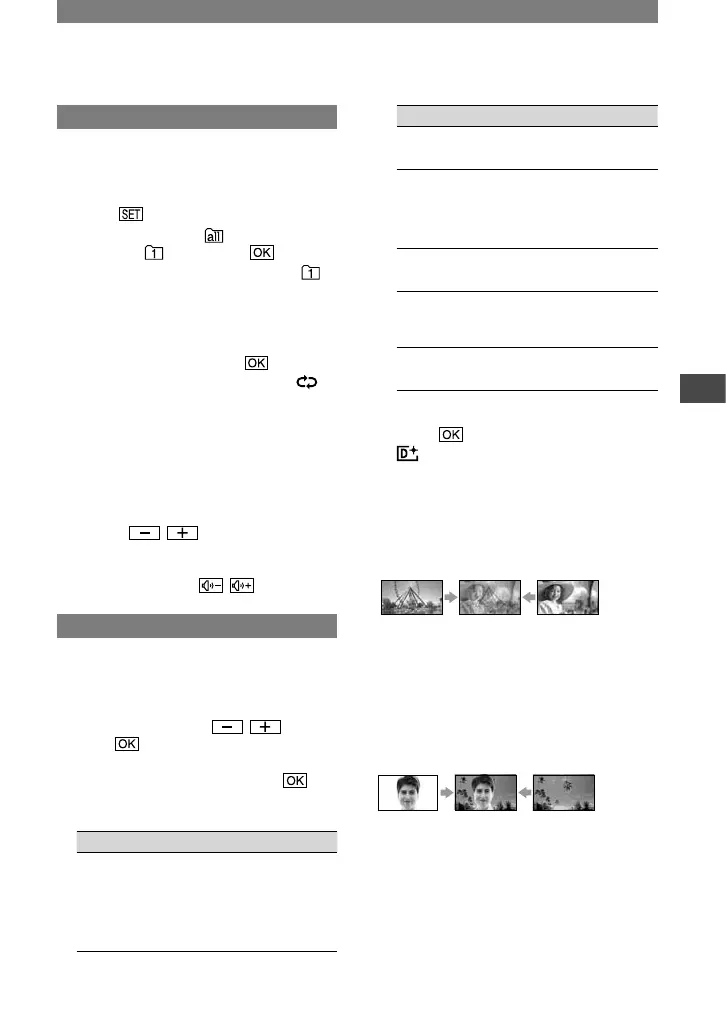
STILL
Records a movie while superimposing it on
a previously recorded still image.
FLASH (flash motion)
Records a movie with a serial-still-image
effect (strobe effect).
LUMI. KEY (luminance key)
Replaces a brighter area in a previously
recorded still image (e.g. background of a
person) with a movie.
TRAIL
Records a picture so that an incidental
image like a trail is left.
Continued



 To Next Page