58
DCR-HC32/HC42 2-584-906-11(1)
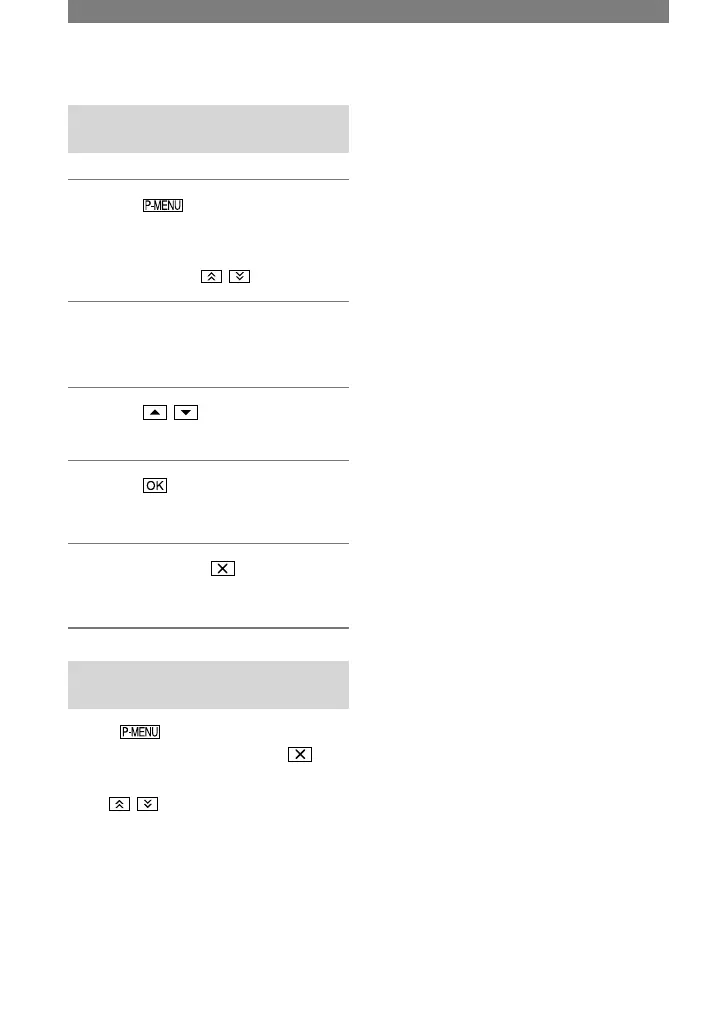
Arranging the order of menu items
displayed on Personal Menu
1 Touch
[P-MENU SET UP]
[SORT].
If the desired menu item is not
displayed, touch / .
2 Touch the menu item you want to
move.
3 Touch / to move the menu
item to the desired place.
4 Touch .
To sort more items, repeat steps 2 to 4.
5 Touch [END]
.
• You cannot move [P-MENU SET UP].
Initializing the Personal Menu
settings (Reset)
Touch [P-MENU SET UP]
[RESET] [YES] [YES] .
If the desired menu item is not displayed,
touch / .
Customizing Personal Menu
(continued)



 To Next Page