150
Capturing images with “ImageMixer Ver.1.5 for Sony”
You need to install the USB driver and ImageMixer to view pictures recorded on the
tape on a computer (p. 142).
Viewing pictures recorded on the tape
(1) Turn on the computer and allow Windows to load.
(2) Connect the AC Adaptor, then insert the cassette into your camcorder.
(3) Set the POWER switch to VCR.
(4) Press FN to display PAGE1.
(5) Press MENU to display the menu.
(6) Select USB STREAM in
, then press EXEC (p. 175).
(7) Select ON, then press EXEC.
(8) Select “Start” t “Programs” t “PIXELA” t “ImageMixer” t
“ImageMixer Ver.1.5 for Sony.”
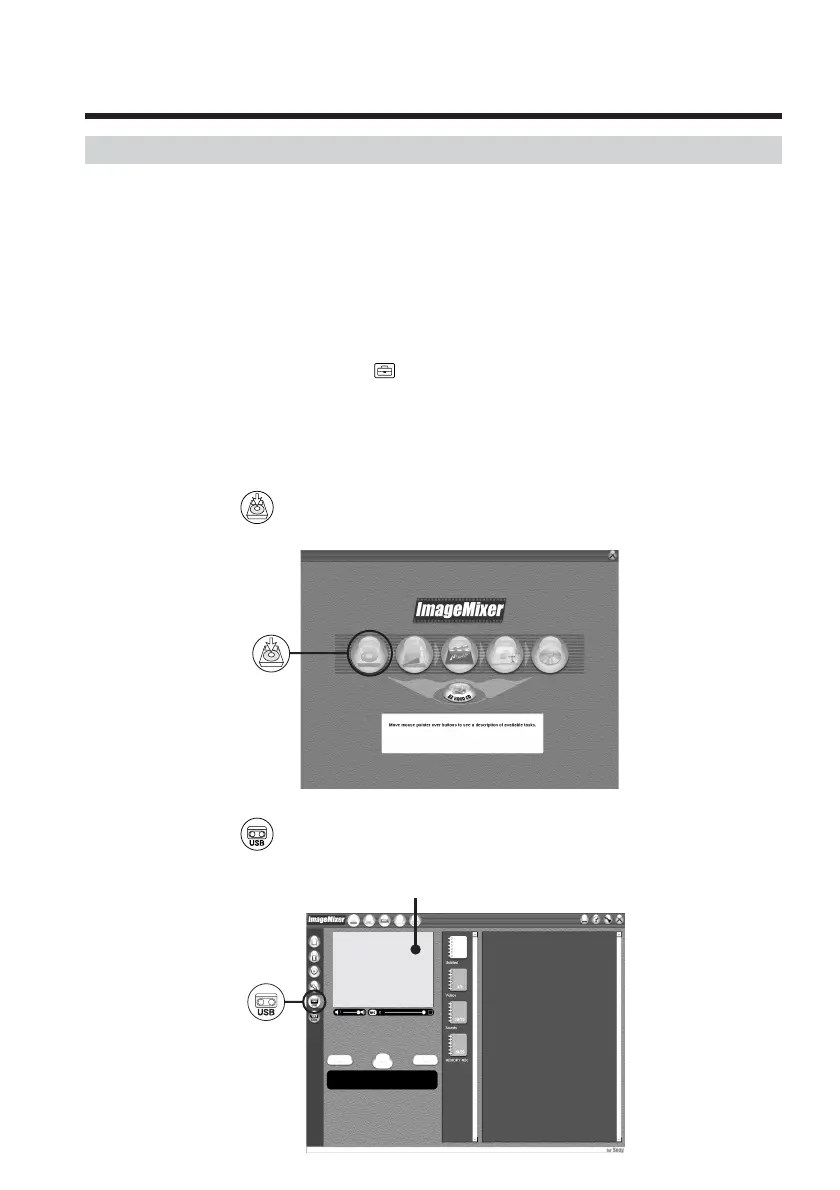
The “ImageMixer Ver.1.5 for Sony” startup screen appears on the computer.
The title screen appears.
(9) Click
on the screen.
(10) Click
.
Viewing pictures recorded on tape on a
computer
– USB Streaming (For Windows users)
Monitor window



 To Next Page
 Loading...