89
Editing
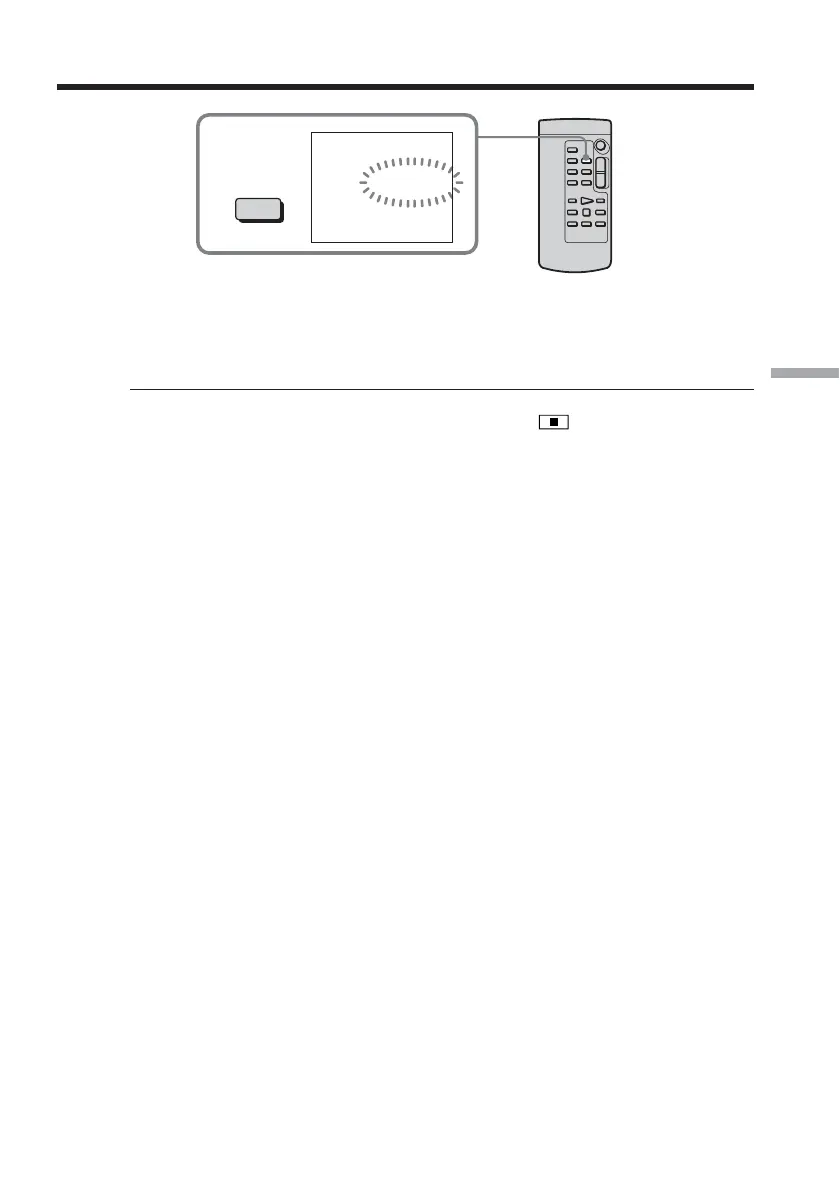
To change the insert end point
Press ZERO SET MEMORY on the Remote Commander again after step 4 to erase the
ZERO SET MEMORY indicator and begin from step 2.
To insert a scene without setting the insert end point
Skip step 2 and 3. Press x on the Remote Commander or on your camcorder when
you want to stop inserting.
3
ZERO SET
MEMORY
0:00:00
ZERO SET
MEMORY
Inserting a scene from a VCR – Insert editing



 To Next Page
 Loading...