Chapter 3 Basic Operation
Chapter 3 Basic Operation 3-5
Example Operation (2): Picture-in-Picture
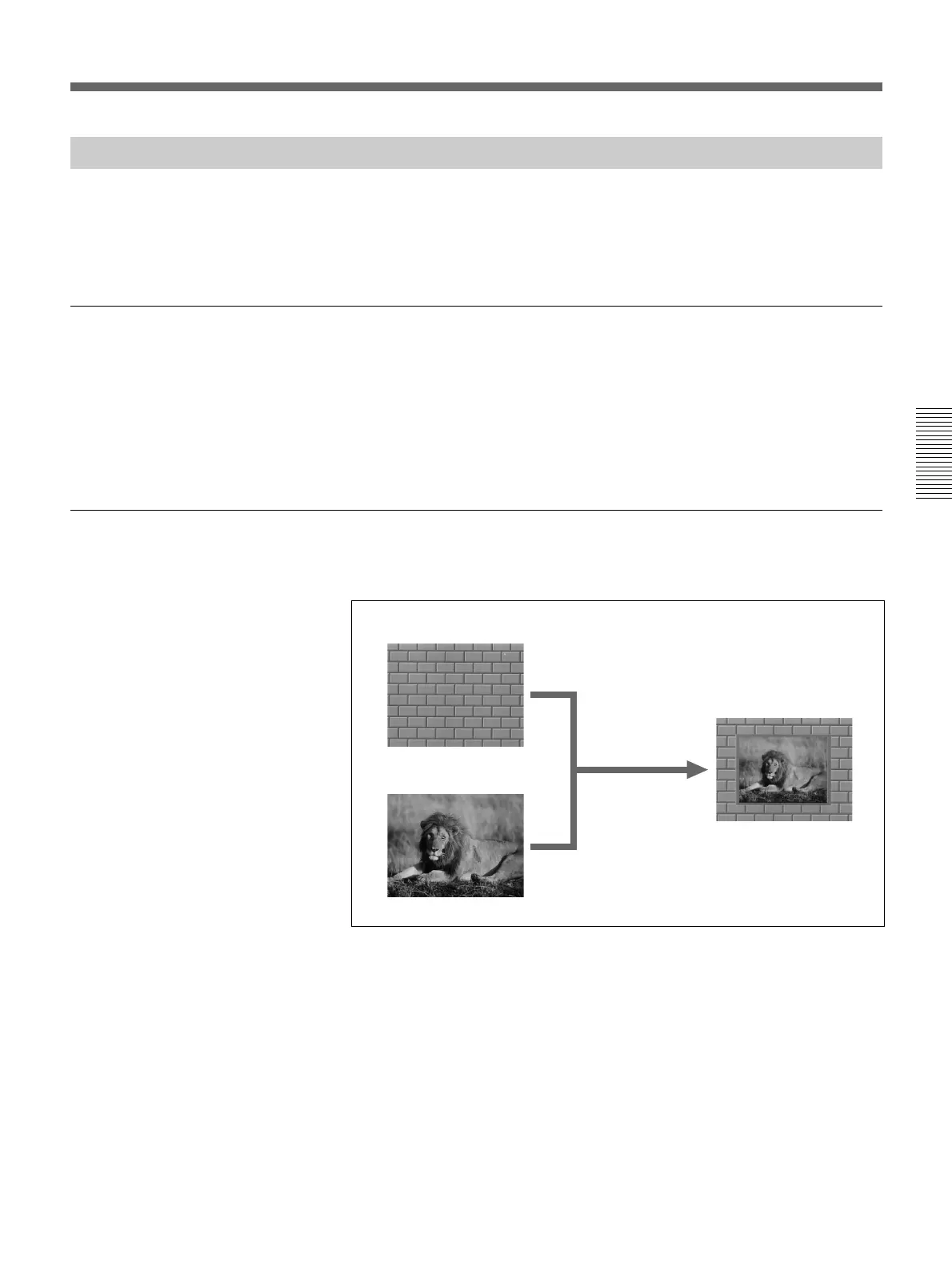
Using the fader lever, we’ll insert the foreground image within the
background image.
We’ll apply a border around the edge of the foreground image.
Setting items
As an example, we’ll set the control panel as follows.
Background image: internal video signal (color background )
Foreground image: video signal connected to the VIDEO INPUT 1
connector
Effect: picture-in-picture (pattern number 1100)
Border: ON
Program output
Executing the above effect produces the following changes in the output
on a program monitor.
Background image
Foreground image
Effect execution
Program output



 To Next Page