41
GB
Troubleshooting
Symptom
I cannot insert
the print
cartridge
smoothly.
The print
cartridge cannot
be removed.
The print paper
is not ejected.
Printing stops
midway.
Check
• Is the ERROR indicator
flashing rapidly?
• Does the ERROR indicator
light?
• Is the ERROR indicator
flashing rapidly?
Others
Cause/Solutions
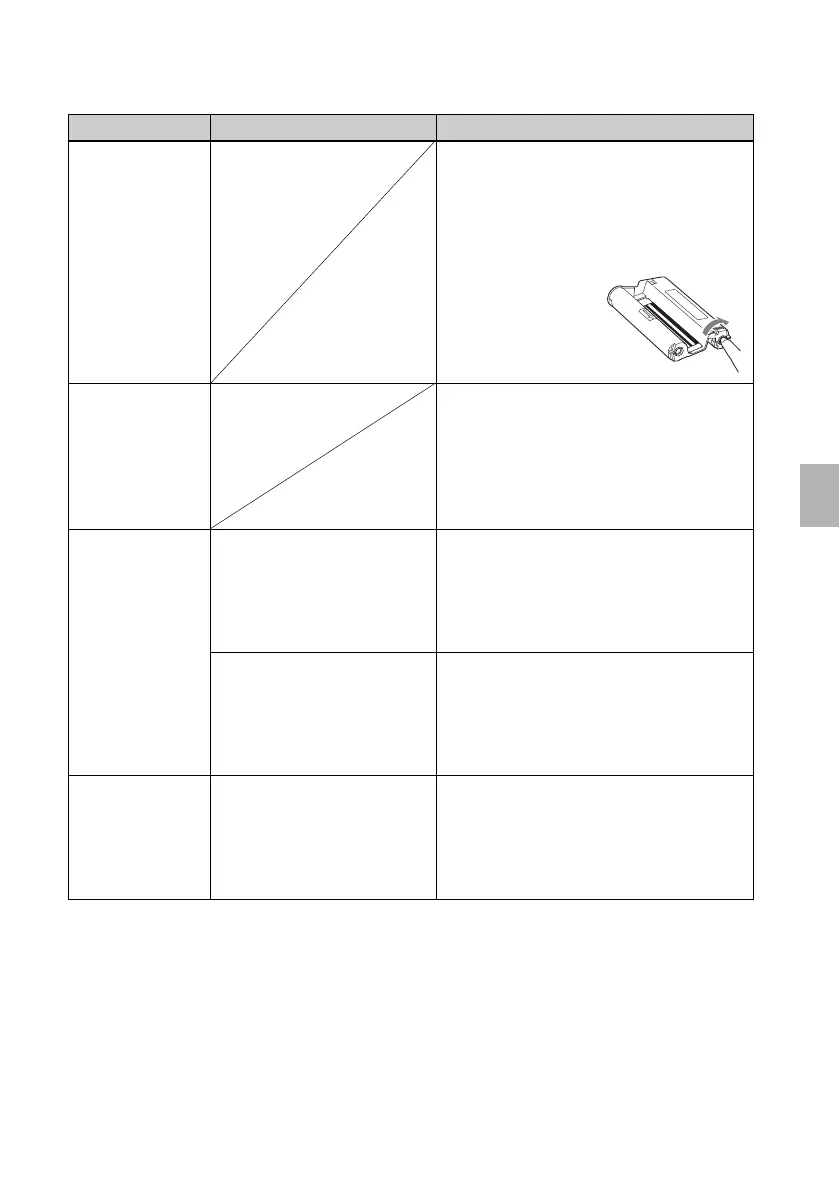
c If the print cartridge does not click into
place, remove it and then re-insert it.
Only when the ink ribbon is too slack to
be loaded, wind the ink ribbon in the
direction of the arrow to remove the
slack. (.page 13)
c Keep the paper tray inserted and turn off
the 1 (on/standby) switch and then turn
it on. After the initial motion stops, try to
remove the cartridge. If this does not
solve the problem, contact Sony service
facilities or your Sony dealer.
c Paper is jammed. See “If paper jams”
(.page 42) and remove jammed paper
from the printer. If jammed paper
cannot be removed, contact the Sony
service facilities.
c Remove the print paper and resume
printing. If you cannot remove the print
paper, follow the procedures shown in
“If paper jams” (.page 42) and
remove jammed paper from the printer.
c Paper is jammed. See “If paper jams”
(.page 42) and remove jammed paper
from the printer. If jammed paper
cannot be removed, contact the Sony
service facilities.



 To Next Page