9
GB
Before you begin
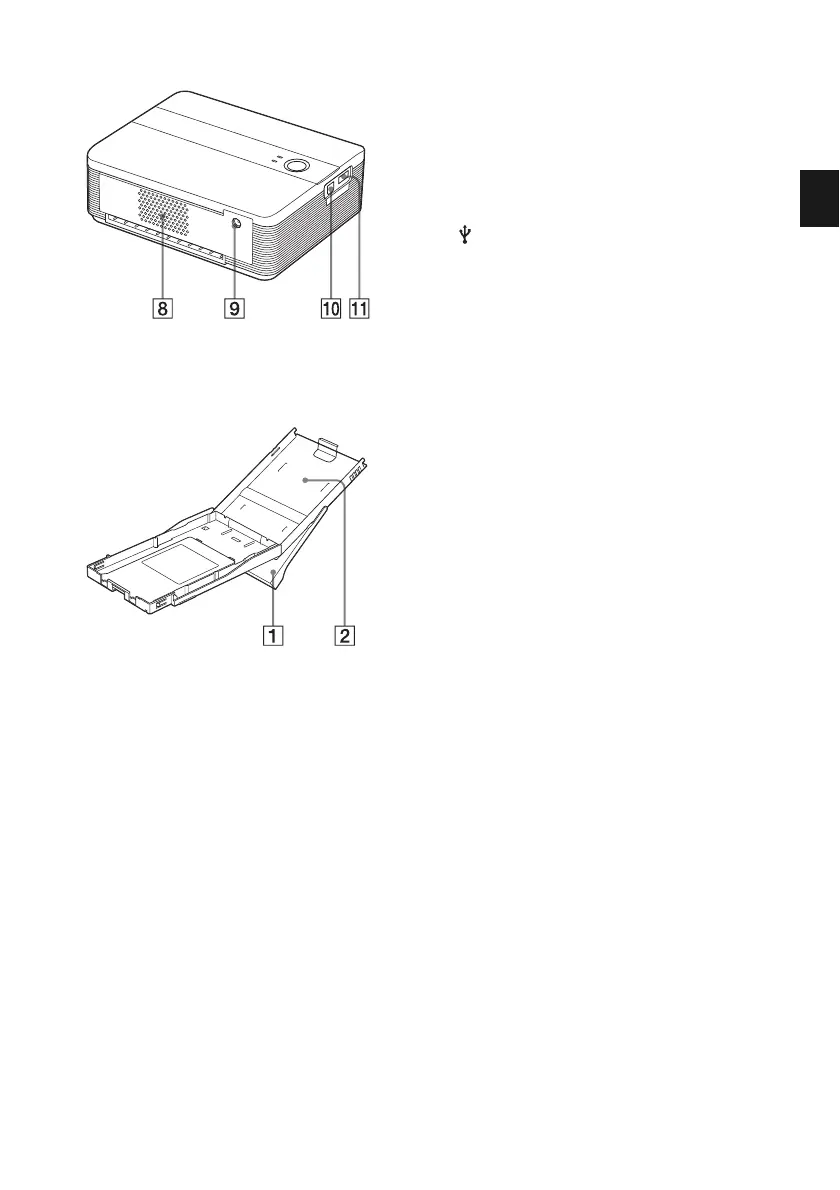
8 Ventilation holes
9 DC IN 24V jack (page 16)
Insert the AC power adaptor supplied
here, and then connect the AC power
adaptor and the wall outlet with the
supplied AC power cord.
0 USB connector (page 21)
Connects to the USB connector of your
PC.
qa PictBridge connector
(page 17)
Connect the PictBridge-compliant digital
camera.
Paper tray
1 Paper eject tray (pages 13, 14)
2 Paper tray lid (pages 13, 14)



 To Next Page