


 To Next Page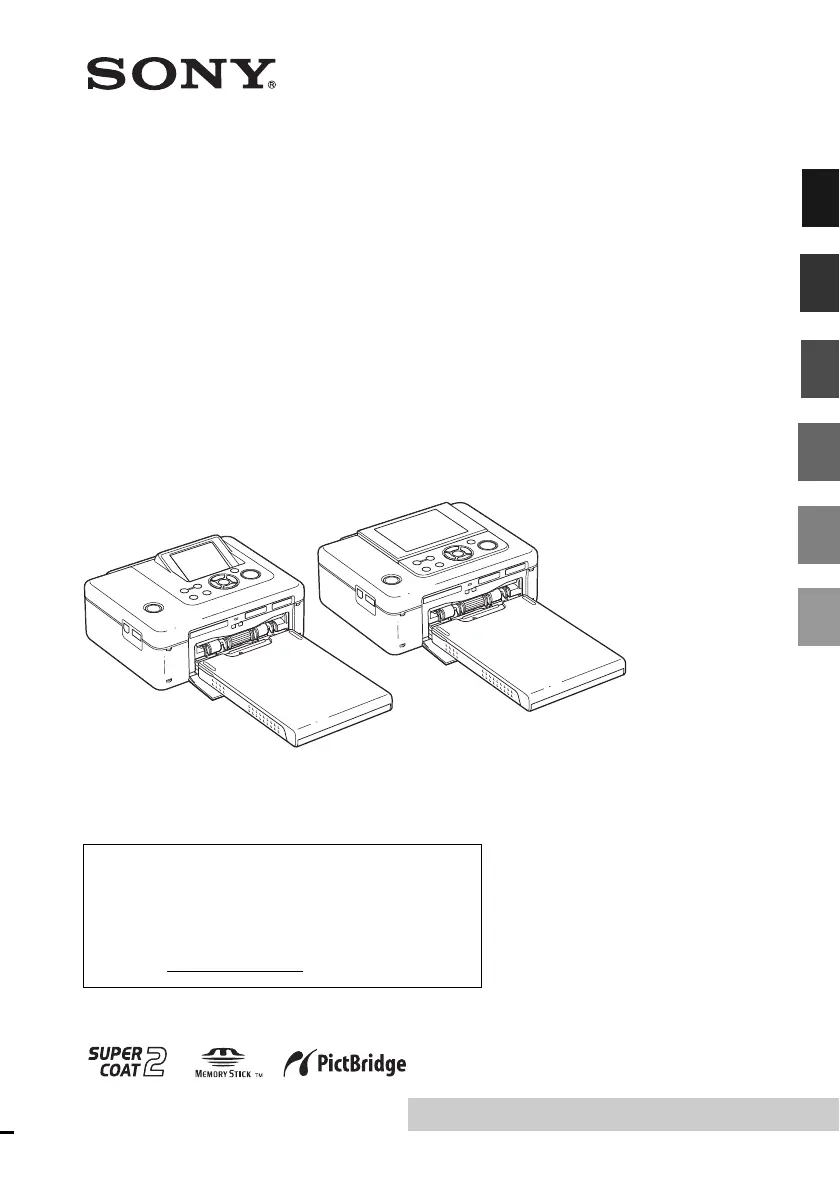

B
Brent MayoNov 26, 2025
Why some images are not displayed or printed on Sony DPP-FP70?
- JJessica WilliamsNov 26, 2025
If some images are not displayed or printed on your Sony Printer, it could be due to these reasons: * If the image is displayed but cannot be printed, the file used for printing might be damaged. If there are no images stored in the memory card or external device, the “No image file” message will appear. Also, if an image is not compatible with DCF, it may not be printed even if it is displayed on the PC monitor. * Select the mark and press ENTER to display its image preview. If an image is displayed, you can print the image. If the same mark is displayed again, the image is of incompatible file format and you cannot print it with the printer. * If there are more than 9999 images stored in a memory card or external device, use the PC or PictBridge mode to display and handle the rema...
 General





