[45] How to Use Using shooting functions Using the flash
Flash Comp.
Adjusts the amount of flash light in a range of –3.0 EV to +3.0 EV.
Flash compensation changes the amount of flash light only. Exposure compensation
changes the amount of flash light along with the change of the shutter speed and aperture.
1. MENU → (Camera Settings) → [Flash Comp.] → desired setting.
Selecting higher values (+ side) makes the flash level higher, and lower values (– side)
makes the flash level lower.
Note
The higher flash effect may not be visible due to the limited amount of flash light
available, if the subject is outside the maximum range of the flash. If the subject is very
close, the lower flash effect may not be visible.
[46] How to Use
Using shooting functions Selecting a screen display mode
Switching the screen display (Shooting)
You can change the display contents on the screen.
1. Press the DISP (Display Setting) button.
Each time you press the DISP button, the recording information display changes as
follows:
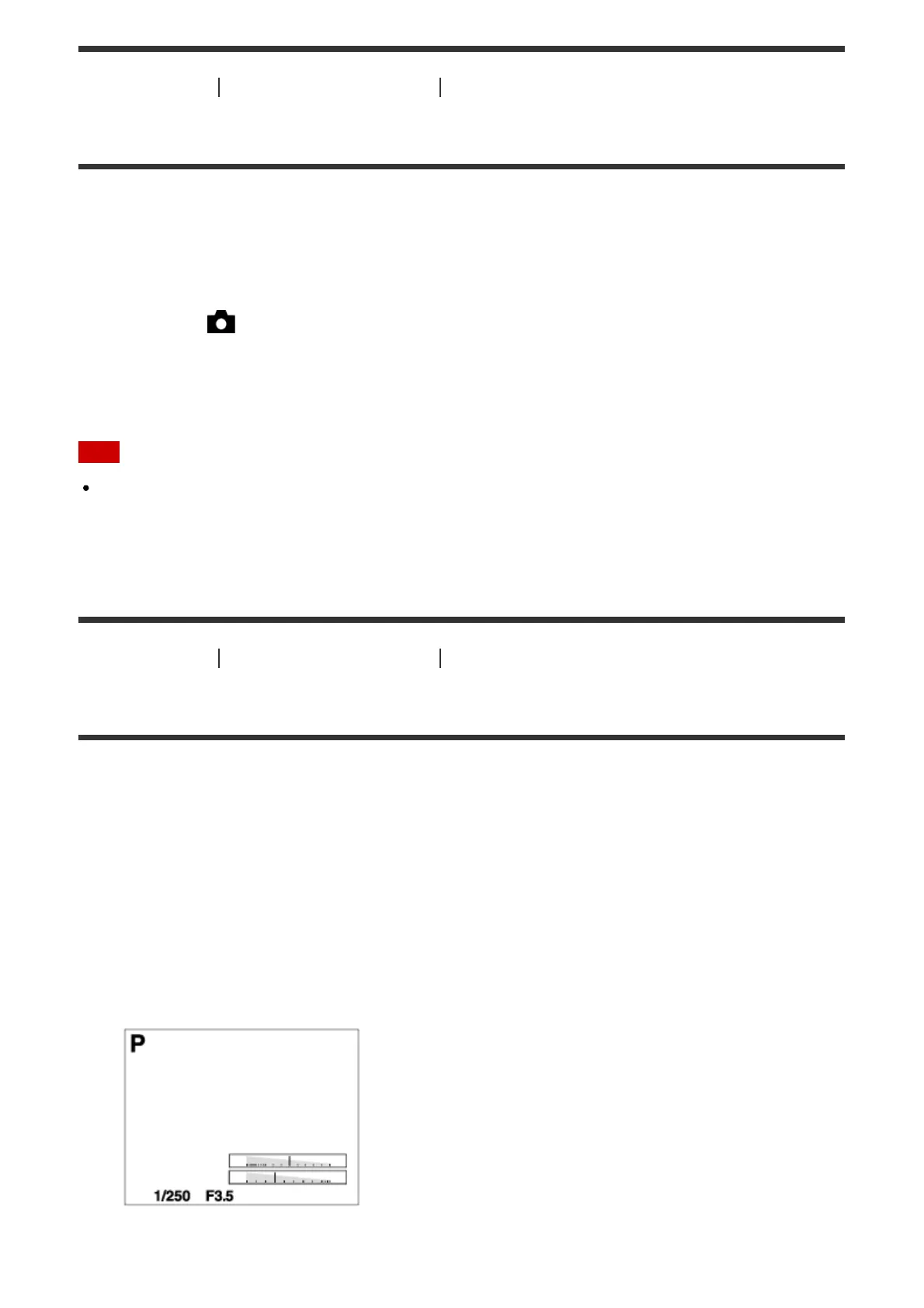
Graphic Display → Display All Info. → No Disp. Info. → Histogram → Level → For
viewfinder* → Graphic Display
Graphic Display
Display All Info.



 To Next Page
 Loading...







