Chapter 4 Editing
76 Chapter 4 Editing
Automatic Editing
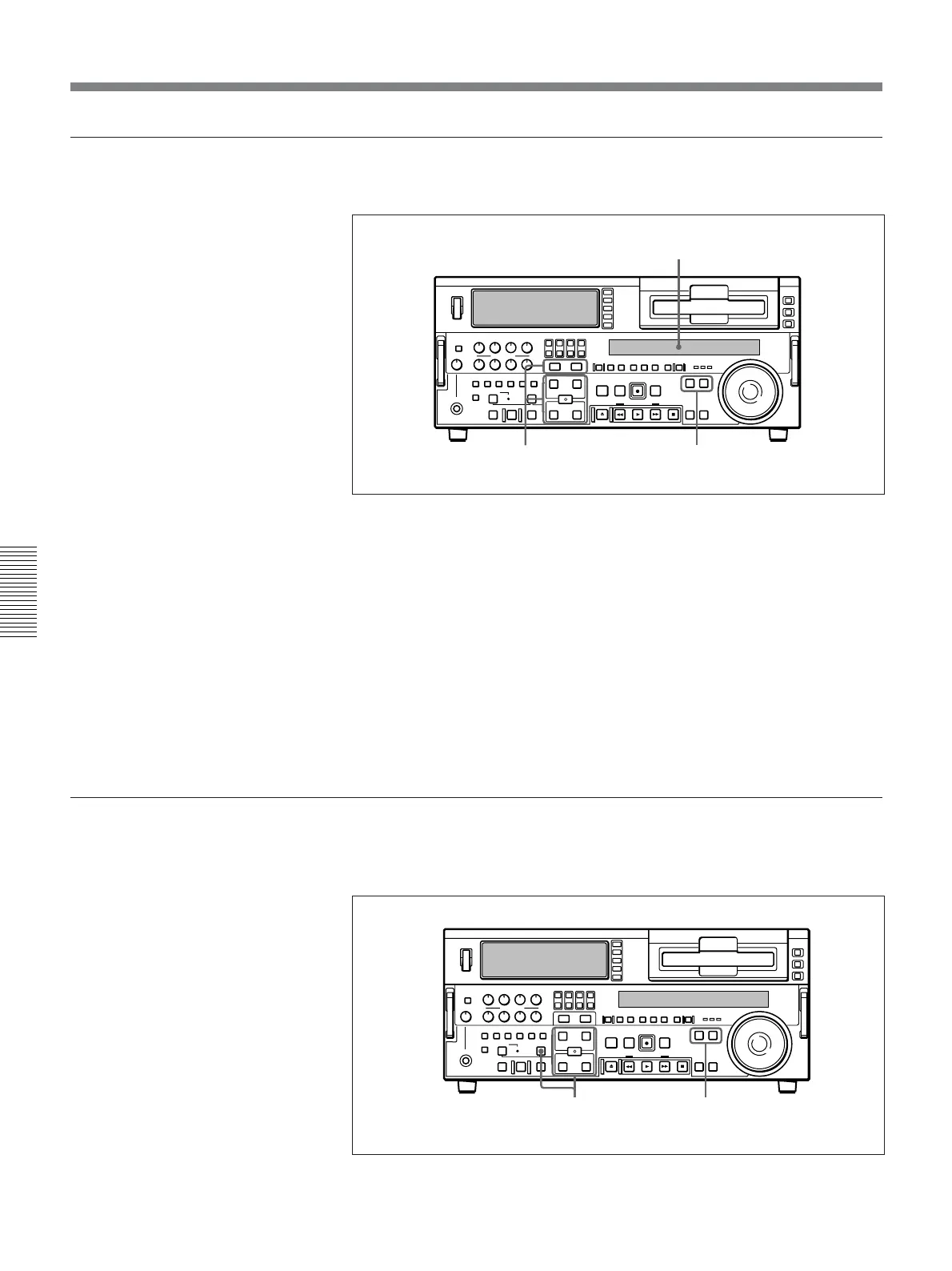
To modify an edit point
Use the following procedure.
1 Press the RECORDER button or PLAYER button to select the VCR on
which you wish to modify the edit point.
The button you have pressed lights.
2 Hold down the IN, OUT, AUDIO IN, or AUDIO OUT button
corresponding to the edit point you wish to modify, and press the
TRIM buttons (+ or –).
While you hold down the button, the time value for the edit point
appears in the display section; pressing the +button increases the value
by one frame, and pressing the –button decreases it by one frame.
To delete an edit point
To delete an edit point, use the following procedure. You can use the same
procedure whether or not the DELETE button is flashing.
1
2
Display section
1
2



 To Next Page