92 Chapter 4 Editing
Chapter 4 Editing
Special Editing Methods
Standalone Editing
This method allows you to use as the player an external device which
cannot be controlled remotely through the REMOTE-IN or REMOTE-
OUT connector. For example, you can record a color bar signal from a
signal generator in the joints between the scenes of an already completed
tape.
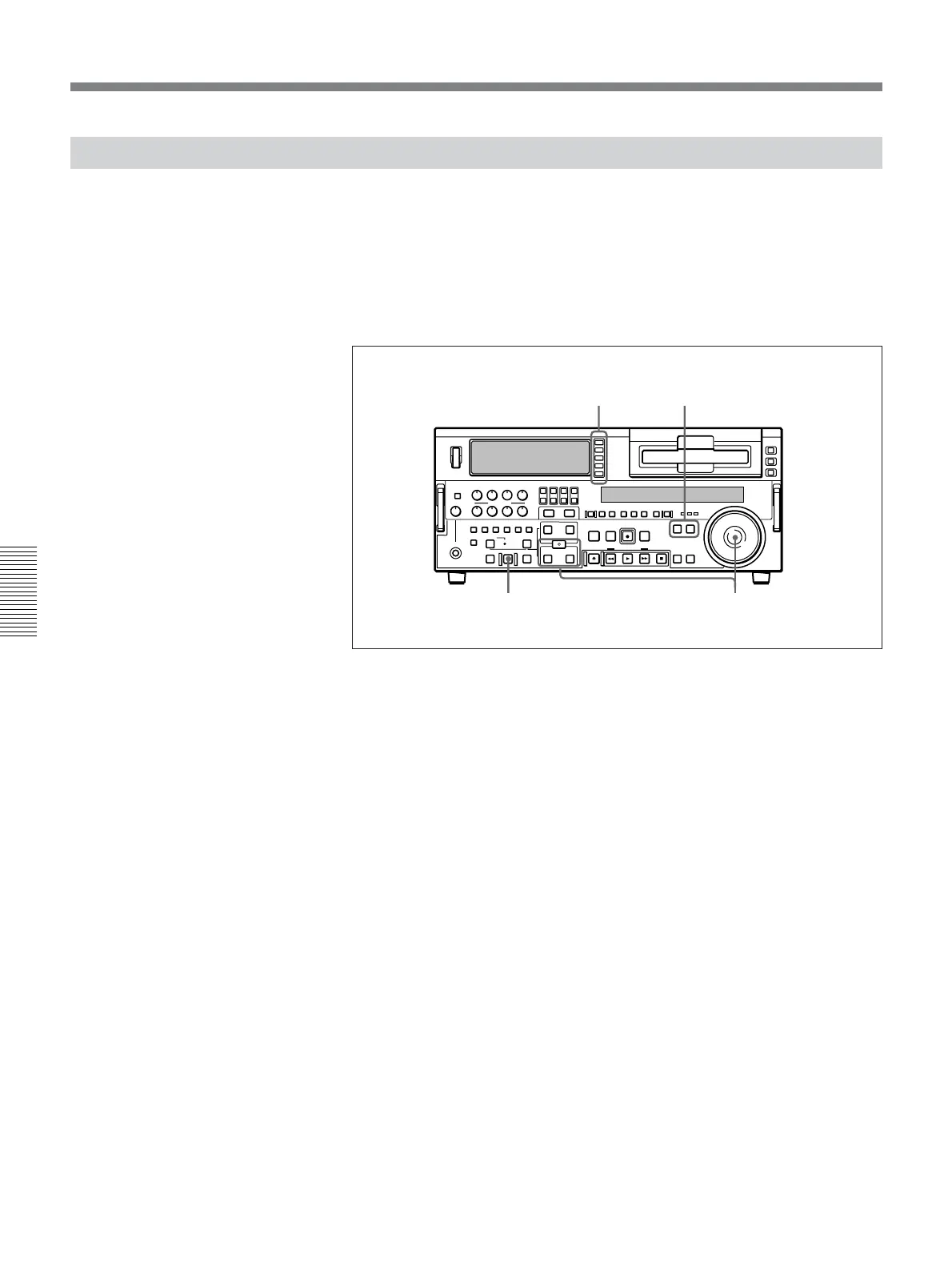
For standalone editing, use the following procedure.
1 In the input selection section, select the signal being generated by the
signal generator connected to the unit.
For details of the input selection section, see page 15.
2 Press both the PLAYER button and RECORDER button, turning them
off.
3 Set the IN point and, if necessary, also OUT point.
The AUTO EDIT button flashes.
For details of how to set IN and OUT points, see the section “Setting Edit
Points” (page 71).
4 Press the AUTO EDIT button.
The edit is carried out.
12
43



 To Next Page