Chapter 4 Editing
Chapter 4 Editing 91
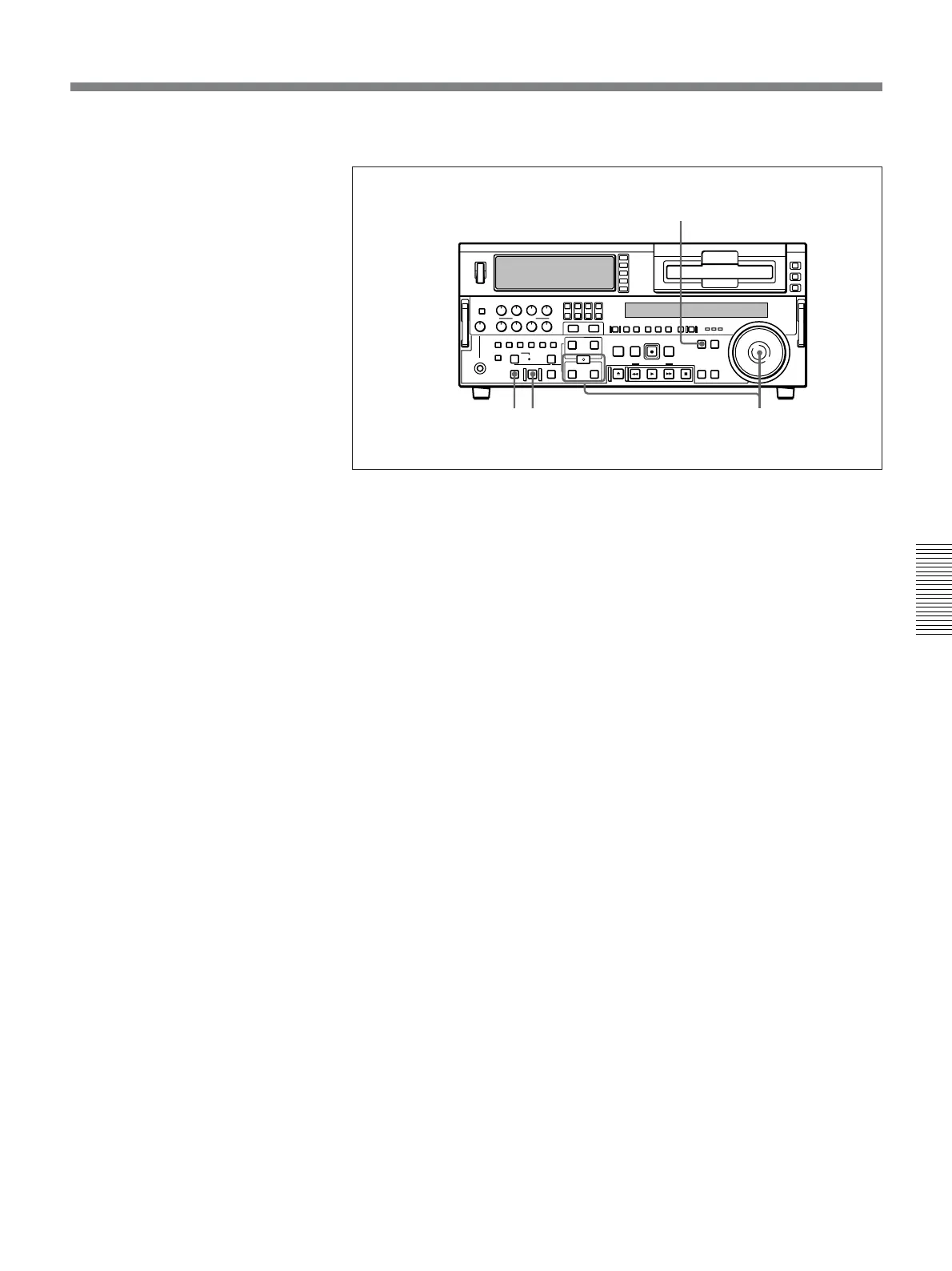
To carry out continuous editing, use the following procedure.
1 Press the PLAYER button, turning it on.
2 Set the player IN and OUT points.
For details of how to set IN and OUT points, see the section “Setting Edit
Points” (page 71).
On the recorder, the OUT point for the previous edit becomes the new
IN point.
3 Press the PREVIEW button to carry out a preview.
4 Press the AUTO EDIT button.
The edit starts.
When the edit finishes, the recorder stops at the OUT point and the
player stops about 2 seconds after the OUT point.
To stop the edit
Press the ENTRY/SHIFT button together with the OUT button.
The edit ends, and the point where you pressed the buttons becomes
the OUT point.
To abort the edit
Press the STOP button.
By repeating this process, you can carry out continuous editing.
With extended menu item 326, a setting can be made so that the preceding OUT
point automatically becomes the new IN point.
1
3
42



 To Next Page