Chapter 1 Overview 25 (GB)
Chapter 1 Overview
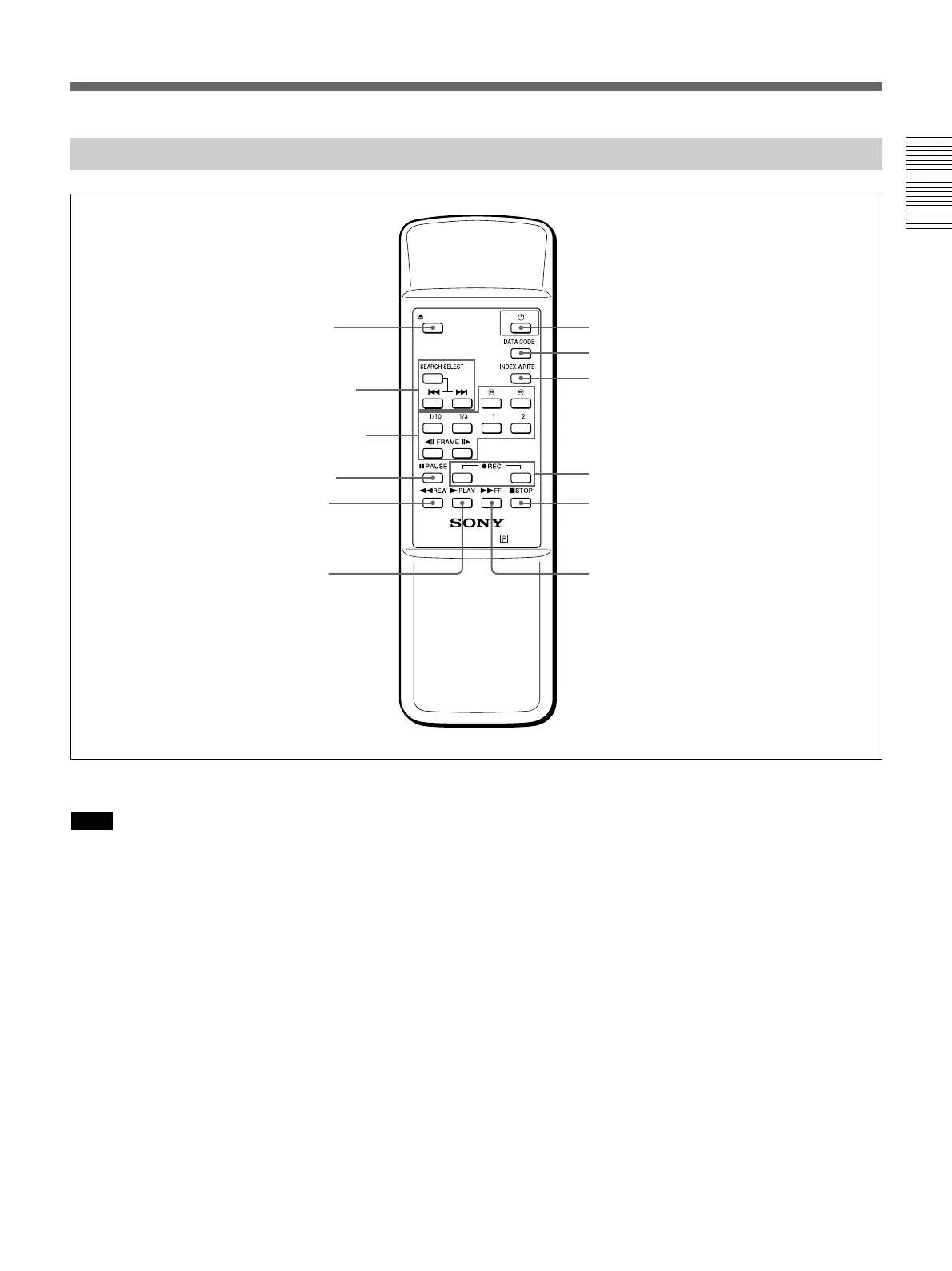
Supplied Remote Commander
1 EJECT button
Note
When there is no cassette inside the unit, you cannot
open/close the cassette compartment, even if you press
this button.
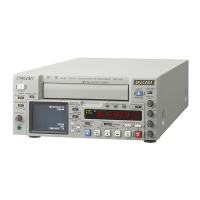
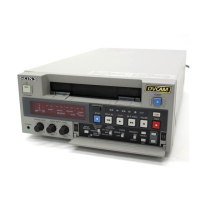
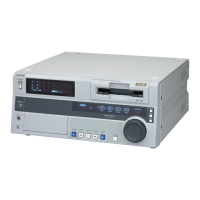
In this case, press the EJECT button on the front panel
of the unit instead.
2 SEARCH SELECT buttons
Press these buttons to search for scenes using the
search function.
For details on the search function, see “Searching using the
search function” on page 37 (GB).
3 Buttons for playing at various speeds
You can play back a tape at normal speed or at a speed
other than normal with these buttons.
For details, see “Playing at various speeds” on page 37
(GB).
4 PAUSE button
5 REW (rewind) button
6 PLAY button
7 FF (fast forward) button
8 STOP button
9 REC (record) buttons
When you press both these buttons at the same time,
the REC indicator and PLAY indicator on the front
panel light and recording begins.
EJECT
×× × ×
VTR RMT-DS5
6 PLAY button
7 FF button
1 EJECT button
2 SEARCH SELECT
buttons
3 Buttons for playing
at various speeds
4 PAUSE button
5 REW button
8 STOP button
9 REC buttons
0 INDEX WRITE button
qa DATA CODE button
qs 1 switch
(Continued)


 To Next Page