21
Hookups
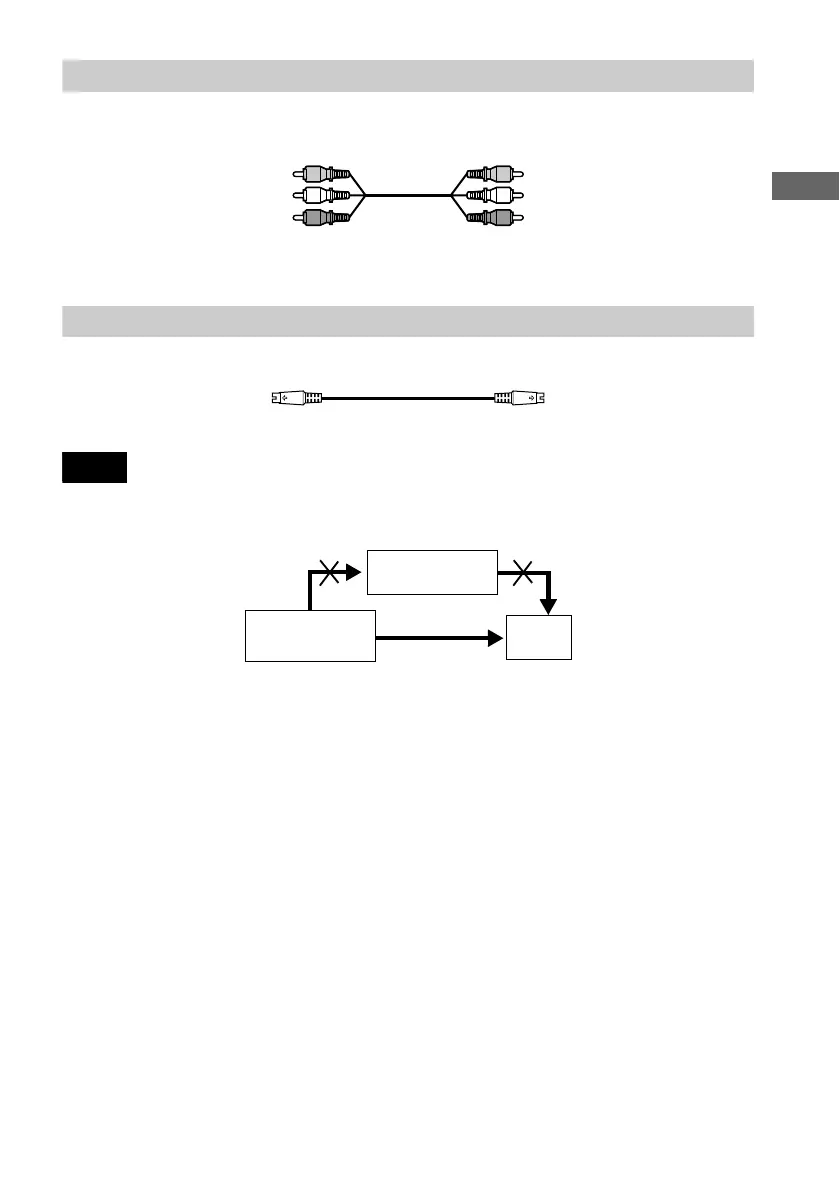
A If you are connecting to a video input jack
Connect the yellow plugs of the audio/video cord (supplied) to the yellow (video) jacks. You will
enjoy standard quality images.
Use the red and white plugs to connect to the audio input jacks (page 23).
B If you are connecting to an S VIDEO input jack
Connect the S VIDEO cord (not supplied). You will enjoy high quality images.
Note
Do not connect your player to a VCR. You may not receive a clear image on the TV screen if you pass the player
signals via the VCR.
Yellow (Video)
White (L)
Red (R)
Yellow (Video)
White (L)
Red (R)
VCR
CD/DVD player
TV
Connect directly.



 To Next Page