38
Resuming Playback from
the Point Where You
Stopped the Disc (Resume
Play)
When you stop the disc, the player
remembers the point where you pressed x
and “RESUME” appears on the front panel
display. As long as you do not remove the
disc, Resume Play works even if the player
enters standby mode by pressing ?/1.
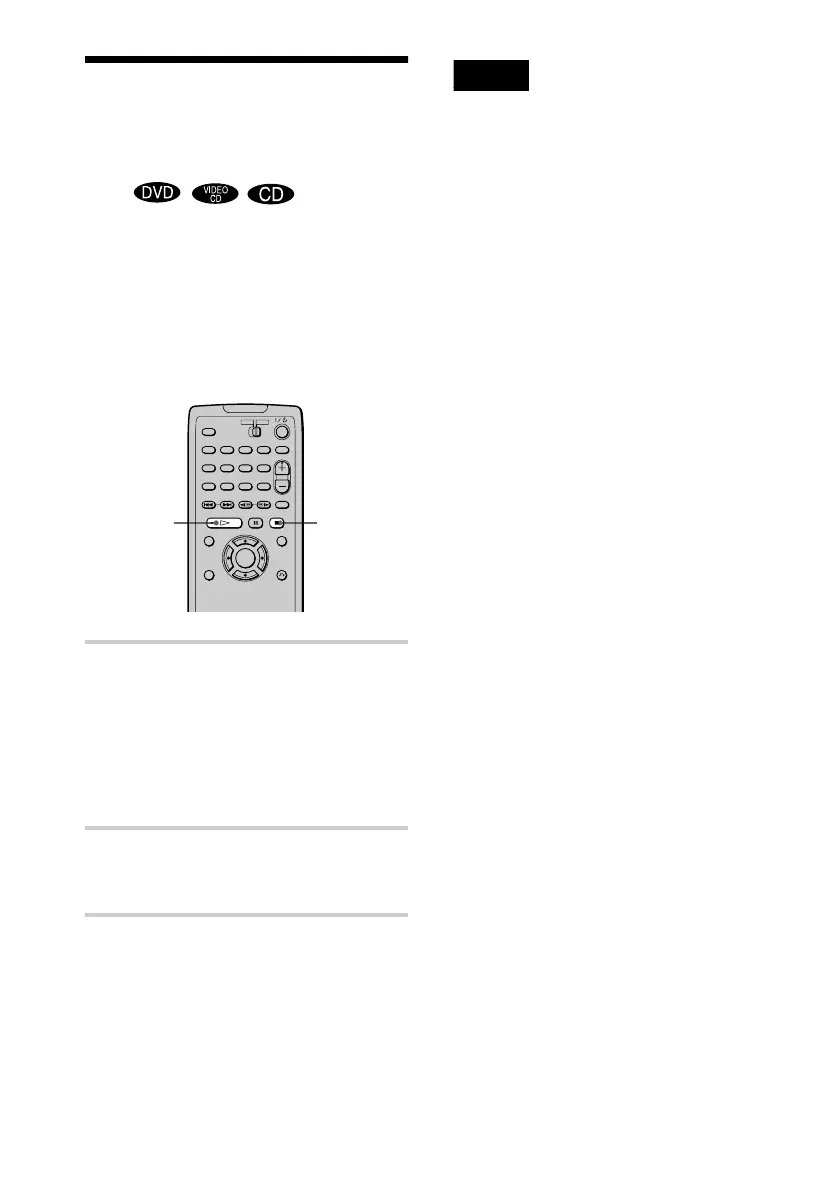
1 While playing a disc, press x to stop
playback.
“RESUME” appears on the front panel
display and you can restart the disc from
the point where you stopped the disc.
If “RESUME” does not appear, Resume
Play is not available.
2 Press H.
The player starts playback from the point
where you stopped the disc in Step 1.
z To play from the beginning of the disc, press x
twice, then press
H.
Notes
• Depending on where you stopped the disc, the player
may not resume playback from exactly the same
point.
• The point where you stopped playing is cleared
when:
– you disconnect the AC power cord.
– you change the play mode.
– you change the settings on the Setup Display.
H
x



 To Next Page