68
z If you select “OTHERS t” in “MENU,”
“SUBTITLE,” and “AUDIO,” select and enter the
language code from the list using X/x to select the
digit, followed by c to move the cursor (page 81).
After you have made a selection, the language code (4
digits) is displayed the next time you select
“OTHERS t.”
Note
When you select a language that is not recorded on the
DVD, one of the recorded languages will be
automatically selected (except for the “OSD”).
Settings for the Display
(SCREEN SETUP)
Choose settings according to the TV to be
connected.
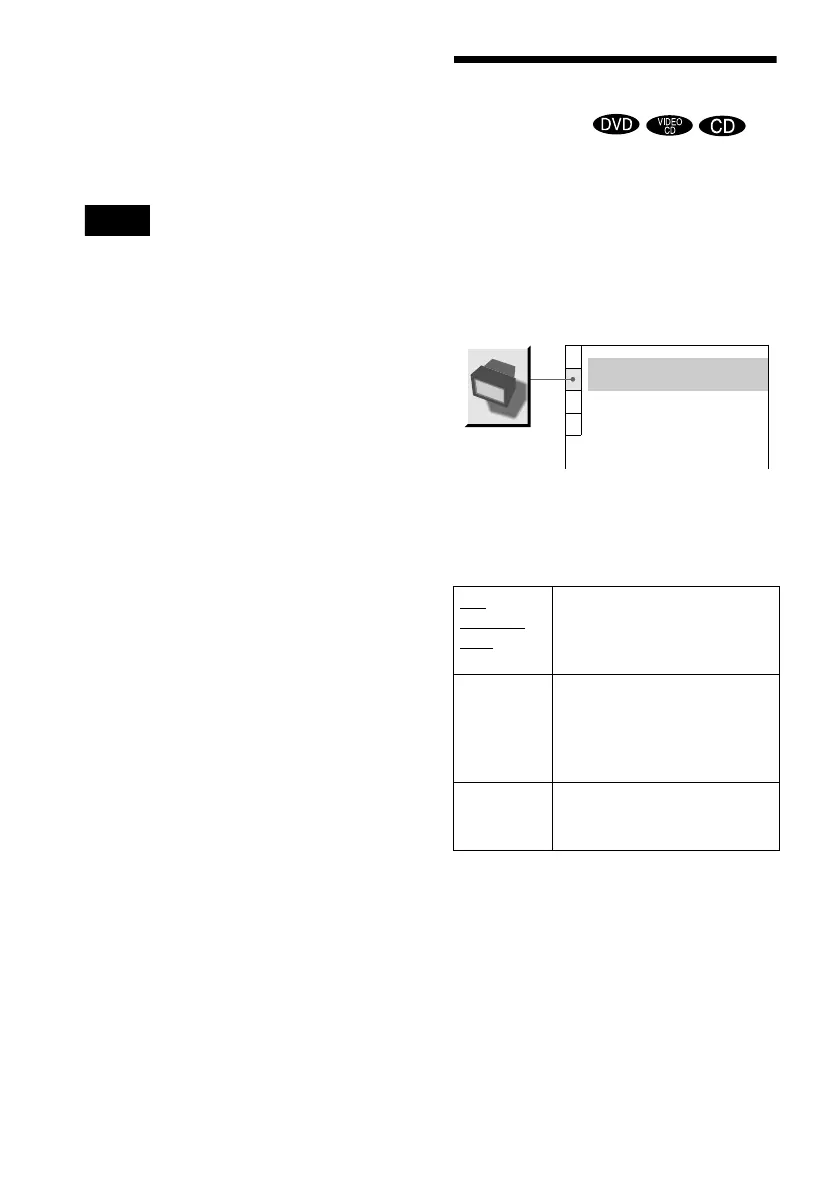
Select “SCREEN SETUP” in the Setup
Display. For details on using the display, see
“Using the Setup Display” (page 66).
The default settings are underlined.
xTV TYPE
Selects the aspect ratio of the connected TV
(4:3 standard or wide).
4:3
LETTER
BOX
Select this when you connect a
4:3 screen TV. Displays a wide
picture with bands on the upper
and lower portions of the screen.
4:3 PAN
SCAN
Select this when you connect a
4:3 screen TV. Automatically
displays the wide picture on the
entire screen and cuts off the
portions that do not fit.
16:9 Select this when you connect a
wide-screen TV or a TV with a
wide mode function.
SCREEN SETUP
TV TYPE:
SCREEN SAVER:
BACKGROUND:
4:3 LETTER BOX
ON
JACKET PICTURE



 To Next Page