33
Hookups
F Press ENTER.
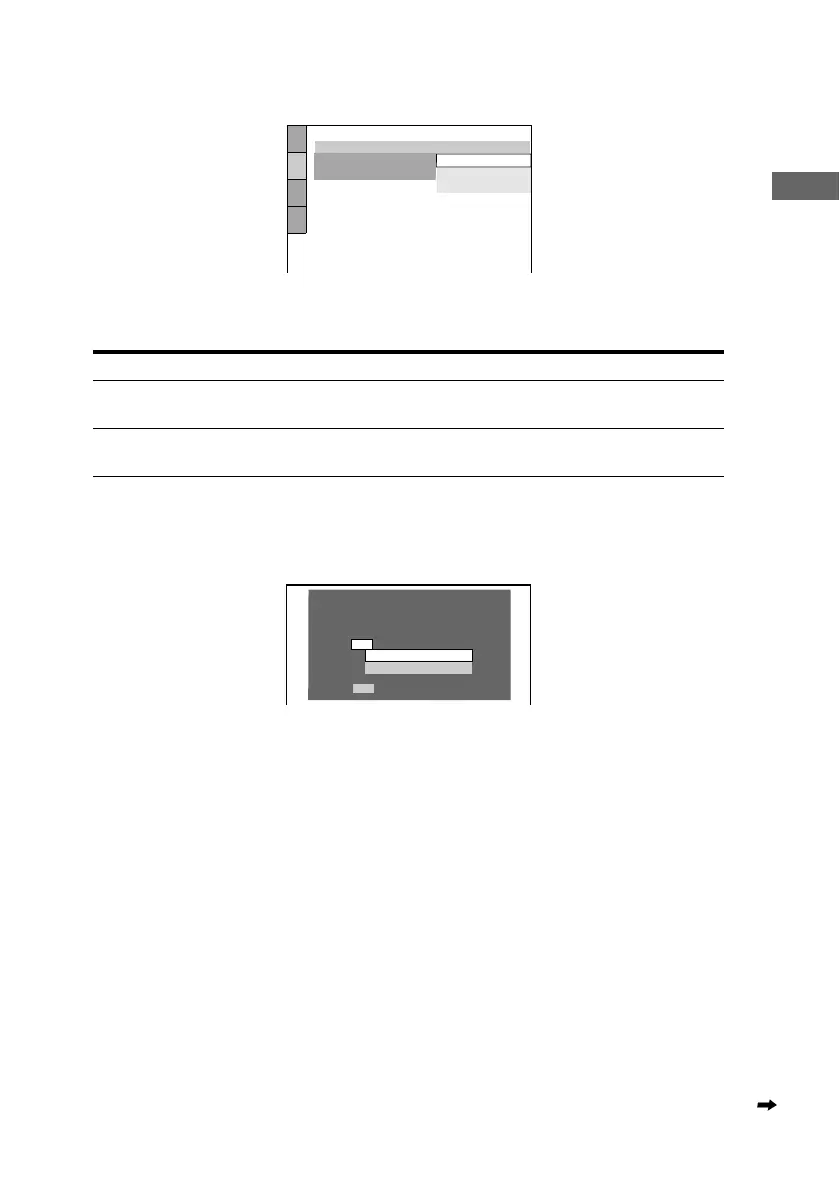
The Setup Display for selecting the aspect ratio of the TV to be connected appears.
G Press X/x to select the item.
H Press ENTER.
The Setup Display for selecting the type of jack used to connect your amplifier (receiver)
appears.
I Press X/x to select the item, then press ENTER.
• When “NO” or “AUDIO OUTPUT L/R” is selected, Quick Setup is finished and connections
are complete.
• When “DIGITAL OUTPUT” is selected, the Setup Display for “DOLBY DIGITAL”
appears. Proceed to Step 0.
TV Type You select Page
4:3 standard TV 4:3 LETTER BOX or 4:3
PAN SCAN
68
A wide-screen TV or 4:3 standard TV with the
wide-screen mode
16:9 68
SCREEN SETUP
TV TYPE:
SCREEN SAVER:
BACKGROUND:
4:3 PAN SCAN
4:3 LETTER BOX
16:9
4:3 LETTER BOX
YES
NO
Is this player connected to an amplifier
(receiver) ? Select the type of jack you
are using.
AUDIO OUTPUT L/R
DIGITAL OUTPUT
continued



 To Next Page