59
Using Various Additional Functions
5 Enter or re-enter your 4-digit password
by pressing X/x to select the digit,
followed by c to move the cursor. Then
press ENTER.
“Custom parental control is set.” appears
and then the screen returns to the Control
Menu display.
If you make a mistake entering your
password
Press C before you press ENTER and
input the correct number.
If you make a mistake
Press ORETURN, then start from Step 3
again.
To turn off the Control Menu
Press ORETURN, then press DISPLAY
repeatedly until the Control Menu is turned
off.
To turn off the Custom Parental
Control function
1 Follow Steps 1 through 3 of “Custom
Parental Control.”
2 Press X/x to select “OFF t,” then press
ENTER.
3 Enter your 4-digit password using X/x
to select the digit, followed by c to move
the cursor. Then press ENTER.
To change the password
1 Follow Steps 1 through 3 of “Custom
Parental Control.”
2 Press X/x to select “PASSWORD t,”
then press ENTER.
The display for entering the password
appears.
3 Enter your 4-digit password using X/x
to select the digit, followed by c to move
the cursor. Then press ENTER.
4 Enter a new 4-digit password using X/x
to select the digit, followed by c to move
the cursor. Then press ENTER.
5 To confirm your password, re-enter it
using X/x to select the digit, followed by
c to move the cursor. Then press
ENTER.
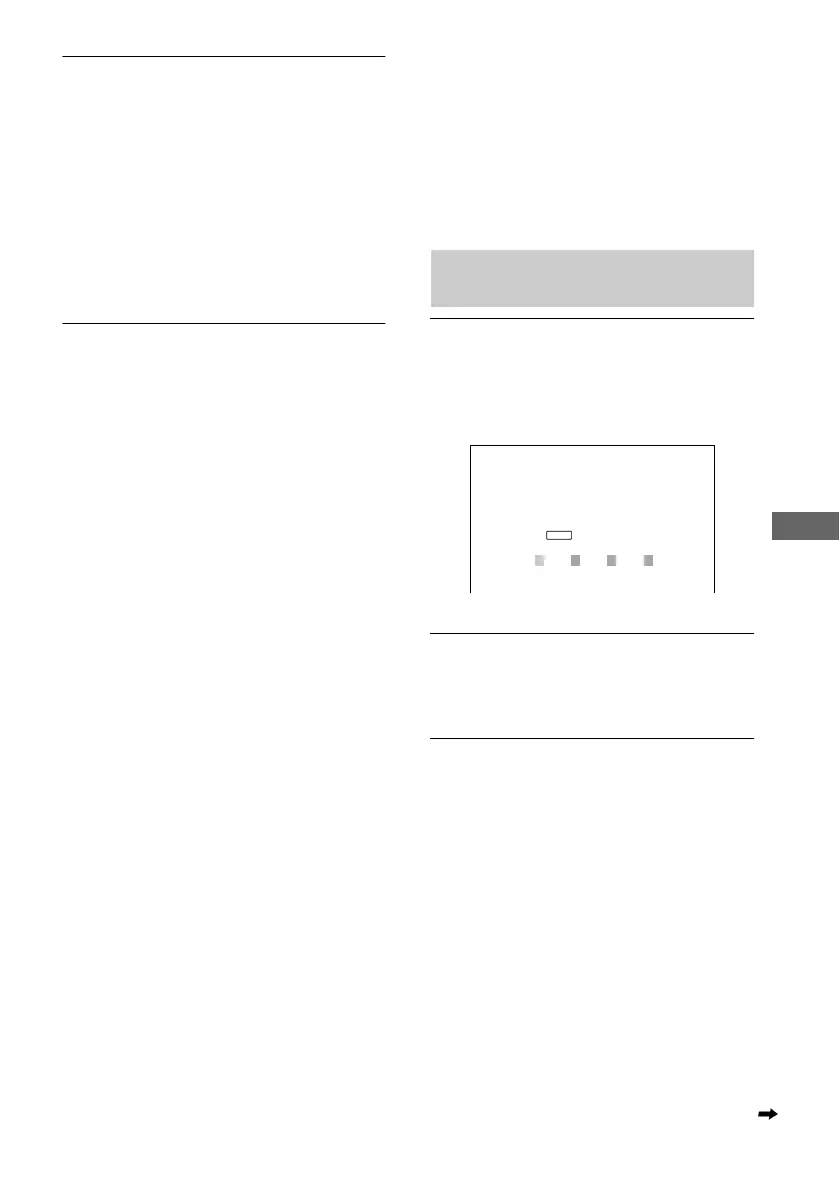
Playing the disc for which Custom
Parental Control is set
1 Insert the disc for which Custom
Parental Control is set.
The “CUSTOM PARENTAL
CONTROL” display appears.
2 Enter your 4-digit password using X/x
to select the digit, followed by c to move
the cursor. Then press ENTER.
The player is ready for playback.
z If you forget your password, enter the 6-digit
number “199703” when the “CUSTOM PARENTAL
CONTROL” display asks you for your password, then
press ENTER. (Press c after the 4th digit to allow the
entire 6-digit number to be entered.) The display will
ask you to enter a new 4-digit password.
CUSTOM PARENTAL CONTROL
Custom parental control is already
set. To play, enter your password
and press
.
ENTER
continued



 To Next Page