DDD
DDDD
DDDD
I
Slide
Show
II~Prev
II
Next.1
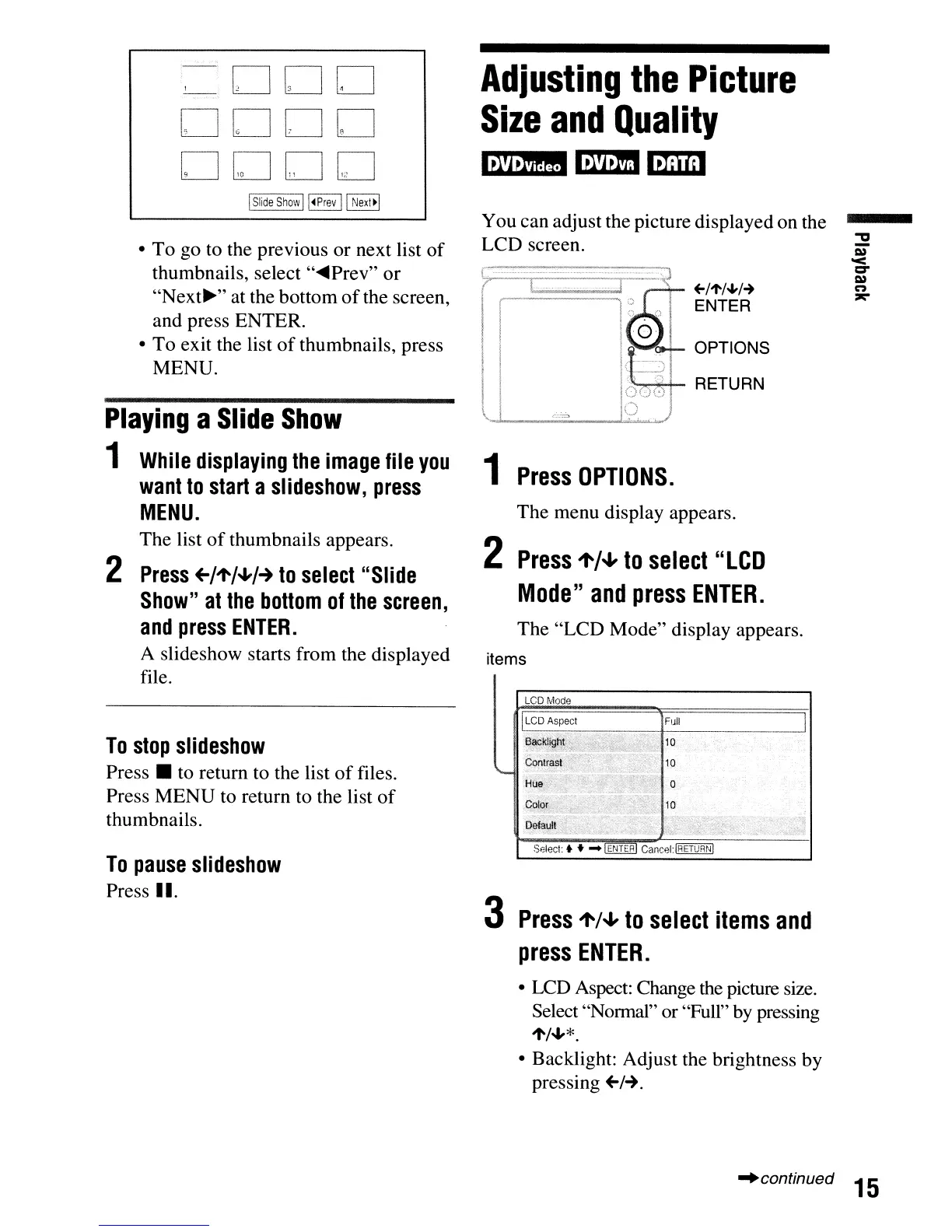
• To go to the previous or next list
of
thumbnails, select
"~Prev"
or
"Next~"
at the bottom
of
the screen,
and press ENTER.
•
To
exit the list
of
thumbnails, press
MENU.
Playing
a
Slide
Show
1
While
displaying
the
image
file
you
want
to
start
a
slideshow,
press
MENU.
The list
of
thumbnails appears.
2
Press
+-/"'/+/-+
to
select
"Slide
Show"
at
the
bottom
of
the
screen,
and
press
ENTER.
A slideshow starts from the displayed
file.
To
stop
slideshow
Press • to return to the list
of
files.
Press MENU to return to the list
of
thumbnails.
To
pause
slideshow
Press II.
Adjusting
the
Picture
Size
and
Quality
m!IB
I:U!mI
mam
You can adjust the picture displayed on the
LCD screen.
+-/"'/.J,/~
ENTER
1
Press
OPTIONS.
The menu display appears.
2
Press
~/.J,
to
select
"LCD
Mode"
and
press
ENTER.
The "LCD Mode" display appears.
items
3
Press
~/.J,
to
select
items
and
press
ENTER.
• LCD Aspect: Change the picture size.
Select "Normal" or "Full" by pressing
1'/"-'*.
• Backlight: Adjust the brightness by
pressing
+-/-+.
"continued
15



 To Next Page