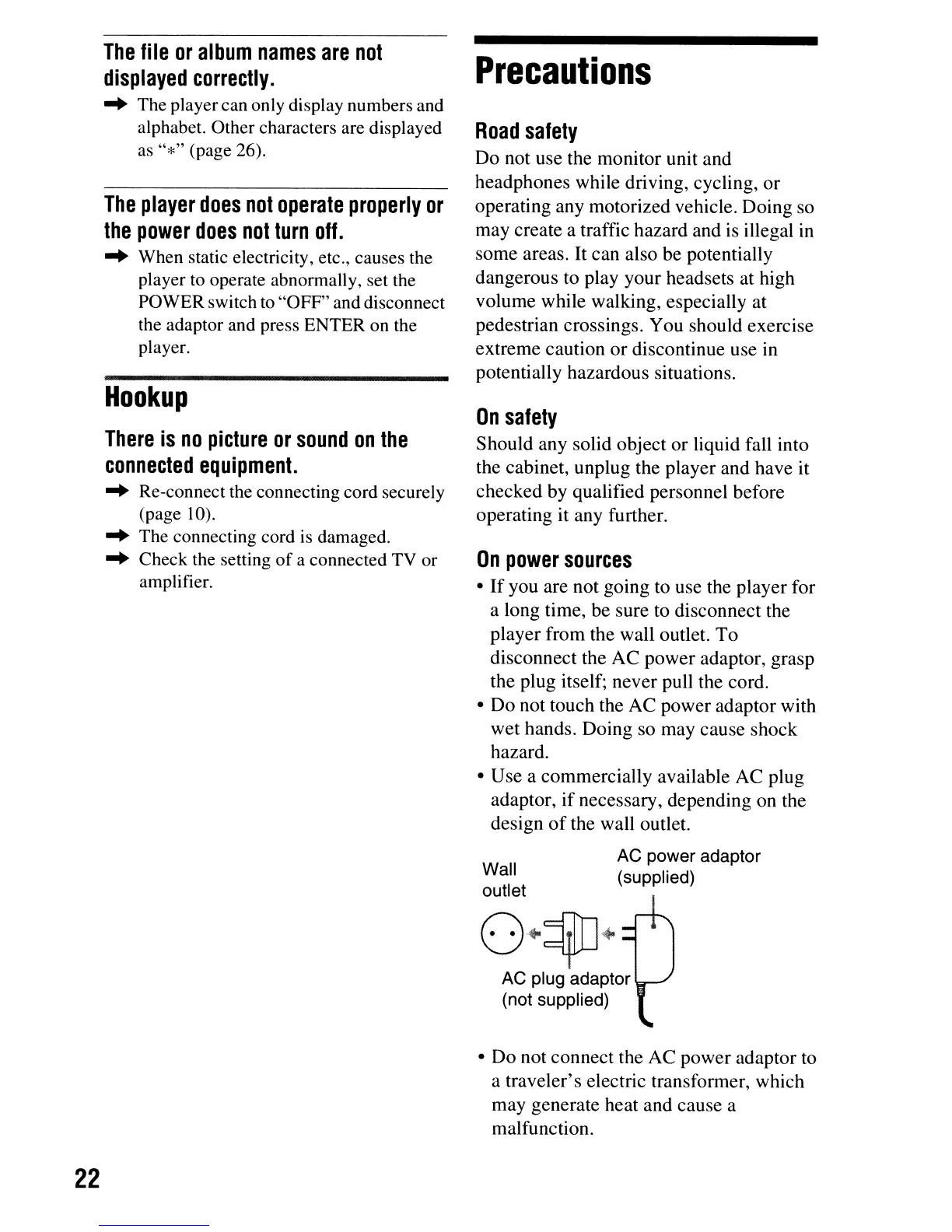
Wall
outlet
22
The
file
or
album
names
are
not
displayed
correctly
.
..
The playercan only display numbers and
alphabet. Other characters are displayed
as
"*"
(page 26).
The
player
does
not
operate
properly
or
the
power
does
not
turn
off.
..
When static electricity, etc., causes the
player
to
operate abnormally, set the
POWER switch
to
"OFF" and disconnect
the adaptor and press ENTER on the
player.
Hookup
There
is
no
picture
or
sound
on
the
connected
equipment.
..
Re-connect the connecting cord securely
(page
10)
.
..
The connecting cord
is
damaged.
..
Check the setting of a connected TV or
amplifier.
Precautions
Road
safety
Do not use the monitor unit and
headphones while driving, cycling,
or
operating any motorized vehicle. Doing so
may create a traffic hazard and is illegal in
some areas. It can also be potentially
dangerous to play your headsets at high
volume while walking, especially at
pedestrian crossings. You should exercise
extreme caution
or
discontinue use in
potentially hazardous situations.
On
safety
Should any solid object or liquid fall into
the cabinet, unplug the player and have it
checked by qualified personnel before
operating it any further.
On
power
sources
•
If
you are not going to use the player for
a long time, be sure to disconnect the
player from the wall outlet.
To
disconnect the AC power adaptor, grasp
the plug itself; never pull the cord.
•
Do
not touch the AC power adaptor with
wet hands. Doing so may cause shock
hazard.
• Use a commercially available AC plug
adaptor,
if
necessary, depending on the
design
of
the wall outlet.
AC
power
adaptor
(supplied)
o·~·
AC plug adaptor
(not supplied)
•
Do
not connect the AC power adaptor to
a traveler's electric transformer, which
may generate heat and cause a
malfunction.



 To Next Page