Playing
MP3
and
JPEG
Files
IlIWJ
You can play MP3
and
IPEG
files.
For
details on playable files, see "Playable
Media"
(page 25).
When you set a
DATA
media, a list
of
albums appears.
OAT
A
CDs
recorded in
KODAK
Picture
CD
format automatically start playing
when inserted.
1
Press
't'/~
to
select
the
album,
and
press
ENTER.
The
list
of
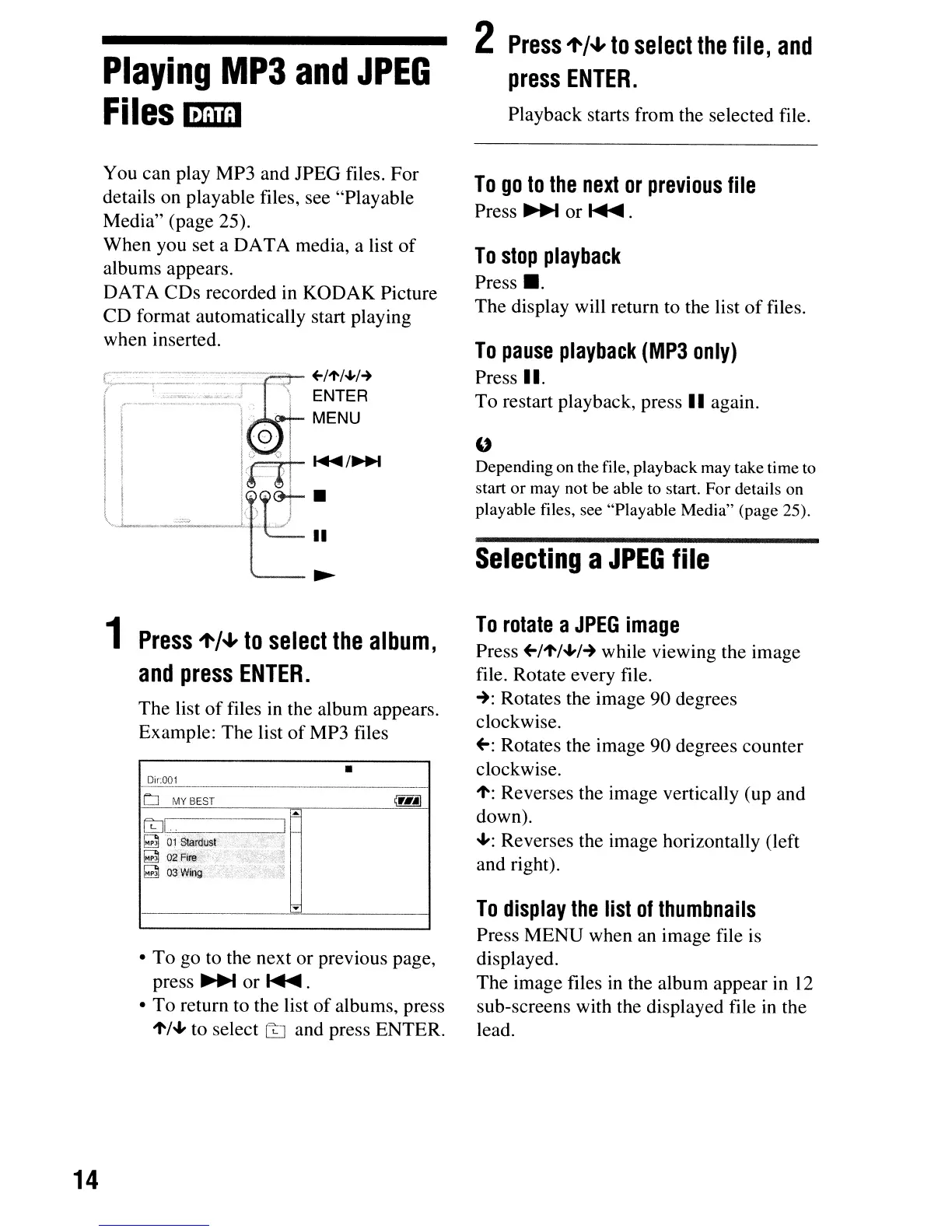
files in the album appears.
Example:
The
list
of
MP3 files
•
Oir:001
LJ
MY BEST
LtJi-,-,
..
-,--
--!i
~
01
~rdusl
.•
~
~
02Fire .
~
o3Wing
•
To
go to the next
or
previous page,
press
~
or~.
•
To
return to the list
of
albums, press
't/'"
to select
LtJ
and press ENTER.
14
2
Press
't'/~
to
select
the
file,
and
press
ENTER.
Playback starts from the selected file.
To
go
to
the
next
or
previous
file
Press
~
or~.
To
stop
playback
Press
•.
The
display will return to the list
of
files.
To
pause
playback
(MP3
only)
Press II.
To
restart playback, press
II
again.
"
Depending on the file, playback may take time to
start
or
may not be able to start. For details on
playable files, see "Playable Media" (page 25).
Selecting
a
JPEG
file
To
rotate
a
JPEG
image
Press +-/'t/"'/-+ while viewing the image
file. Rotate every file.
-+:
Rotates the image
90
degrees
clockwise.
+-:
Rotates the image
90
degrees counter
clockwise.
't:
Reverses the image vertically (up and
down).
..,: Reverses the image horizontally (left
and right).
To
display
the
list
of
thumbnails
Press
MENU
when an image file
is
displayed.
The
image files in the album appear in
12
sub-screens with the displayed file in the
lead.



 To Next Page