4
Parts Identification
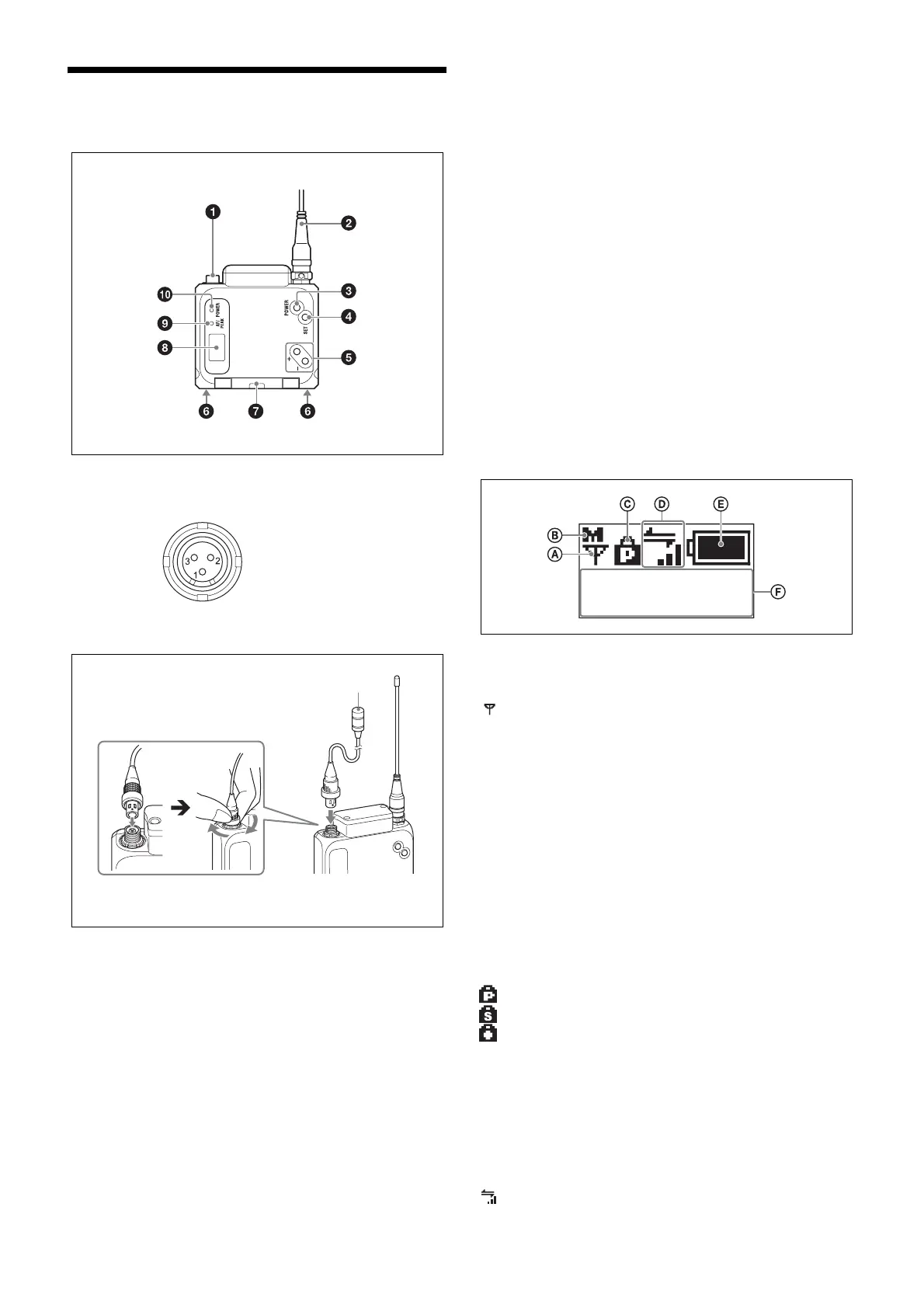
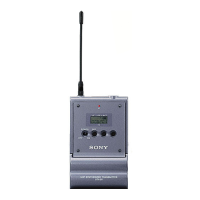
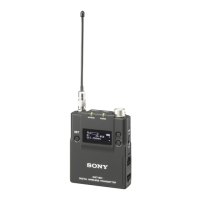
a Audio input connector (mini 3-pin with lock)
Connects to a lavalier microphone.
Connecting the microphone
b Antenna
c POWER button
Turns the unit on or off.
Hold down the button for 1 second or longer to turn the
unit on. To turn the unit off, hold down the button until the
POWER indicator turns off.
d SET button
Allows you to adjust the displayed function settings and
apply the adjusted values.
Holding down the SET button while turning the unit on
turns the unit on without sending a signal.
e + and – buttons
Selects the functions or values shown on the display.
Holding down the – button while turning the unit on
activates the pairing operation for the wireless remote
control function.
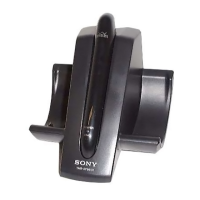
f Battery charger connector
Connects to the BC-DWX1 battery charger (not supplied),
and allows you to charge the lithium-ion battery inserted in
the unit.
g Battery compartment cover
Insert the NP-BX1 rechargeable battery pack (supplied)
here.
For safety, use only the Sony battery packs and AC
adaptors listed below.
•NP-BX1
For details on how to insert batteries, see “Power Supply”
(page 5).
h Display
A RF transmission indicator
Indicates the current transmission status.
B RF transmission power indicator
Indicates the current transmission power setting. You can
change the setting with the RF transmission power setting
function.
H: Transmitting at 25 mW.
M: Transmitting at 10 mW.
L: Transmitting at 2 mW.
C Lock indicator
Indicates whether the accidental operation locks are
enabled. Nothing is displayed when the lock function is
disabled.
: Operation of the POWER button is locked.
: Changes to the settings are locked.
: Operation of the POWER button and changes to the
settings are locked.
For details, see “Lock Function (LOCK)” (page 12).
D Cross Remote condition indicator
Indicates the signal transmission condition of the wireless
remote control function (4 levels).
1: GND
2: +5.2 V (output)
3: Hot +5.2 V
Microphone
To secure the connection, turn the ring on the
connection plug to lock it.
: Currently transmitting.
– : RF transmission stopped.
: Good transmission.
NAME
DWT-B03R


 To Next Page