Emma User Guide 11
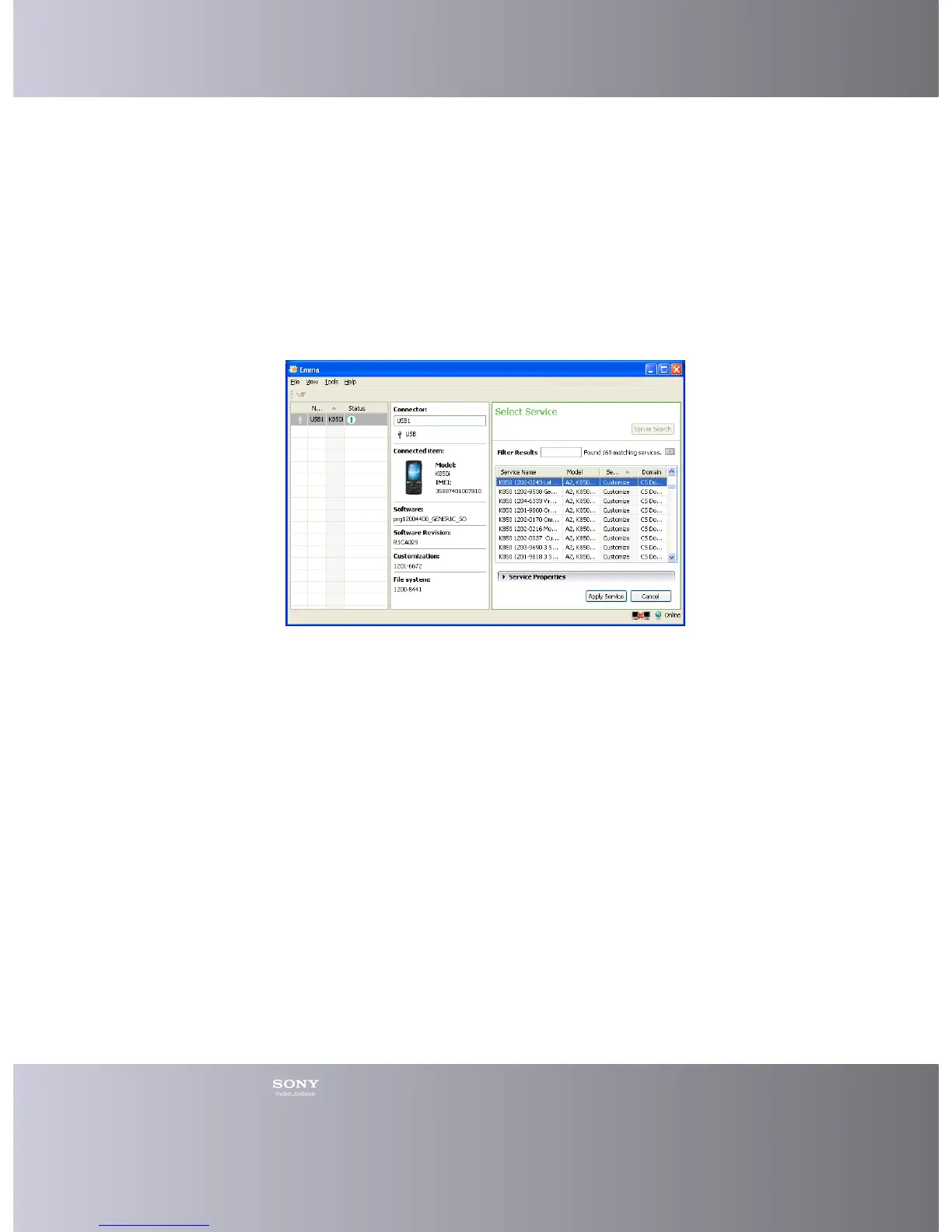
Moving Frame Boundaries
You can click and hold a frame boundary between the Connector Details, Connector
Overview and Service Details areas, and drag them to make them smaller or larger.
1. Click and hold on a frame boundary.
2. Drag it to the wanted size.
Changing to a Side By Side layout
You can choose a Side By Side layout.
1. Click View > Layout in the Main menu.
2. Click Side By Side.
3. The work area has changed to a Side By Side layout.
Changing to a Compact layout
You can choose a compact layout.
1. Click View > Layout in the Main menu.
2. Click Compact.
3. The work area has changed to a Compact layout.










 To Next Page