Emma User Guide 17
4. Flash the device/phone, see Running a Service on page 21 .
Note: You do not have to install drivers for the USB cable. They are installed
automatically by Emma.
Changing Connector USB Speed Preferences
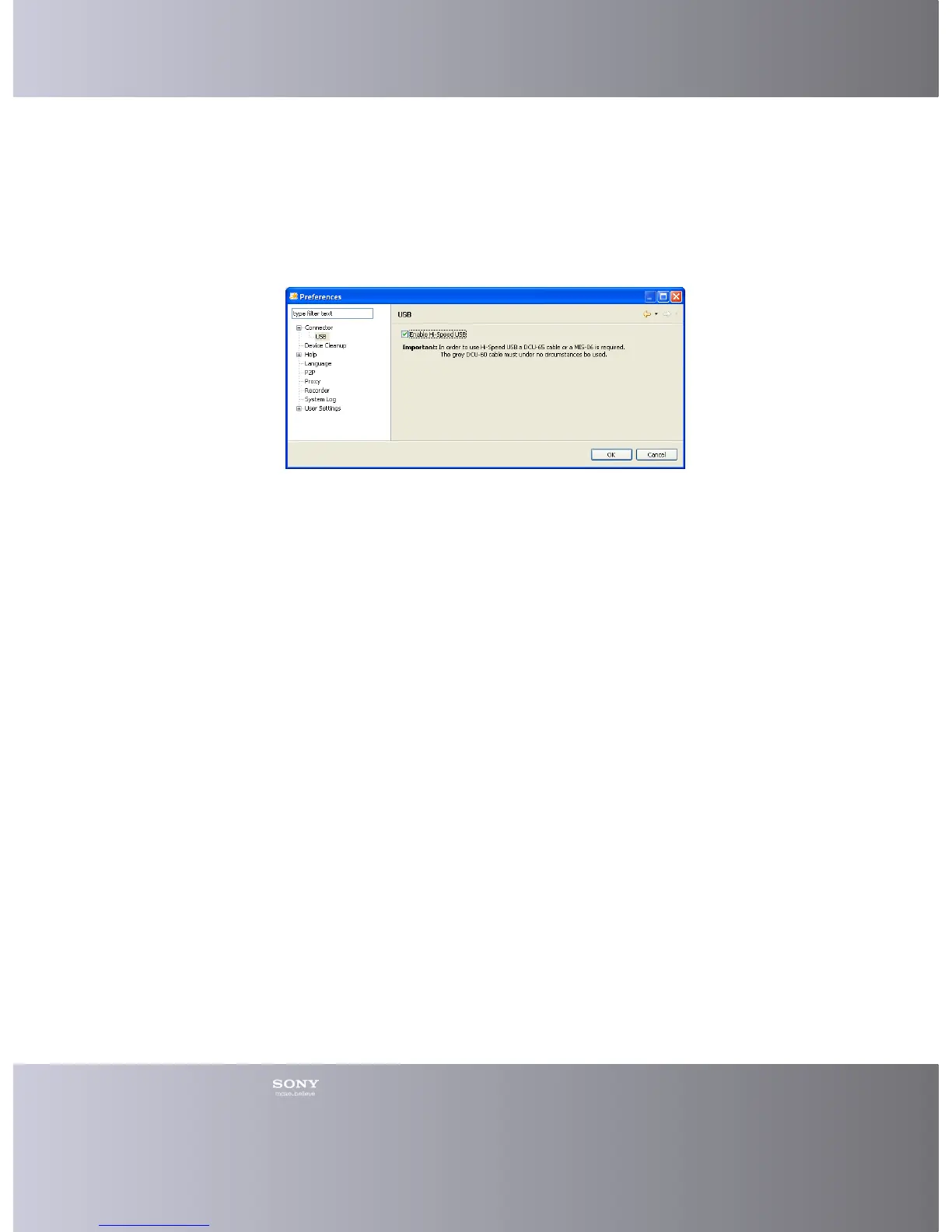
You can change the speed for an USB connector to Hi-Speed when using a DCU65
Cable.
1. Click Tools > Preferences in the Main menu.
2. In the Preferences window click Connector in the menu to the left and then
USB.
3. In the USB window you can choose to enable Hi-Speed by checking the box.
4. Click OK.








 To Next Page