Emma User Guide 12
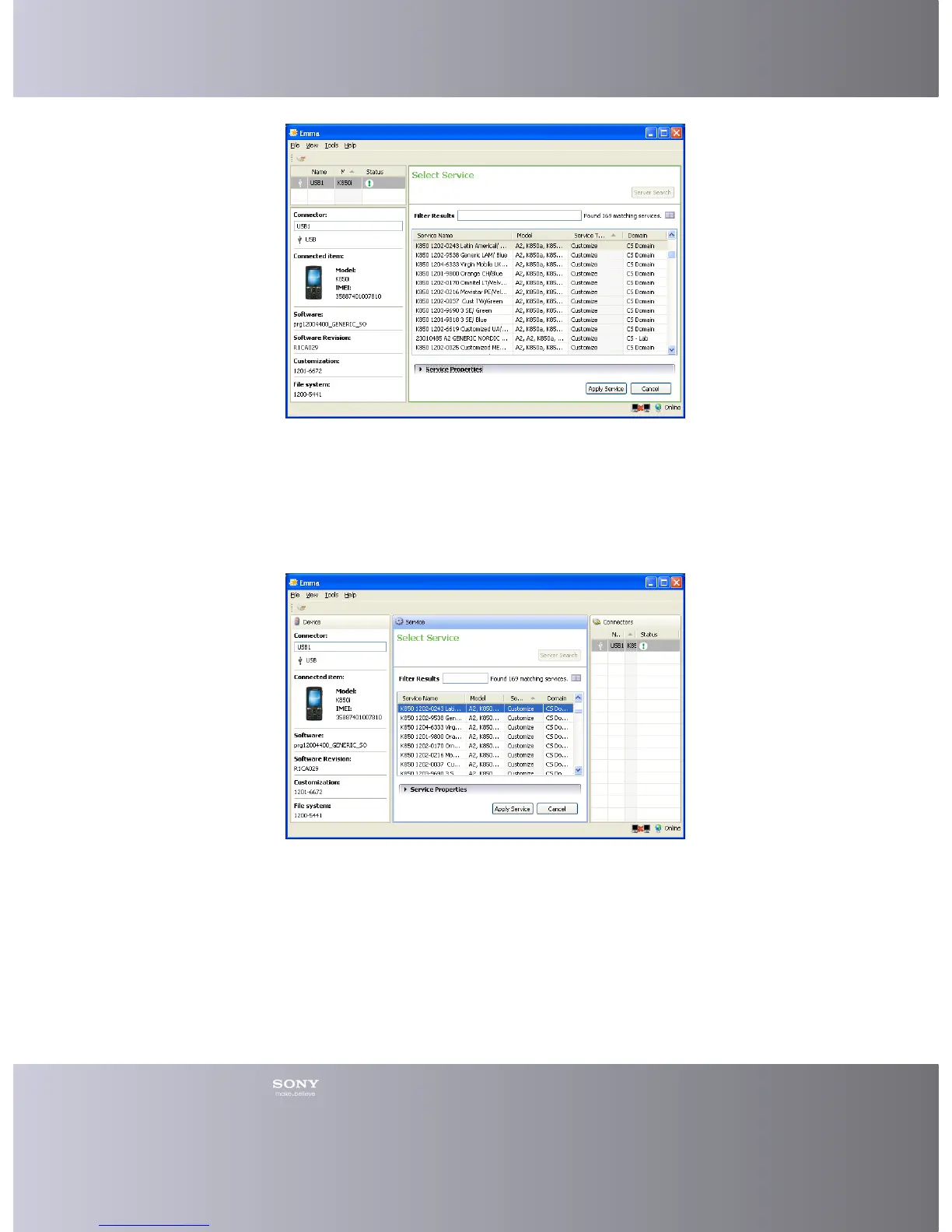
Changing to a Moveable layout
You can choose a moveable layout.
1. Click View > Layout in the Main menu.
2. Click Moveable.
3. The work area has changed to a Moveable layout.
Hiding Parts of the Work Area
You can hide the Toolbar in the working area.
1. Click View > Toolbar in the Main menu to hide (uncheck) it.
2. Click again if you want to show (check) the Toolbar.
Information stored when Emma is closed
Some information is stored by Emma when you close the application.
• The layout of the work area








 To Next Page