EasyManua.ls Logo

Sony EV-C500E - Chapter 2 Preparation; Hookups and Getting Started

Sony EV-C500E
38 pages
Print Icon
To Next Page IconTo Next Page
To Previous Page IconTo Previous Page
Loading...
Chapter
2
Preparation
Hookups
and
Getting
Started
Before
you
can
use
your
VGR
for
the
first
time,
you
need
to
connect
it
to
your
TV
and
set
it
up
to
play
back
video
programmes
for
viewing.
This
section
explains
how
to
hook
up,
set
up,
and
prepare
the
Remote
Commander
so
that
you
can
start
enjoy
it
right
away.
There
are,
however,
many
types
of
TVs
available
and
many
different
ways
in
which
your
TV
can
be
hooked
up.
As
a
result,
this
manual
describes
several
ways
your
VCR
can
be
connected.
Use
the
following
table
to
select
the
correct
hookup
for
your
TV.
When
Your
TV
has
audio/video
(A/V)
inputs
Your
TV
does
not
have
audio/video
(A/V)
inputs
Hookup
1
Audio/Video
(A/V)
Hookup
(pages
7
and
8)
Hookup
2
RFU
DC
OUT
Hookup
(page
9)
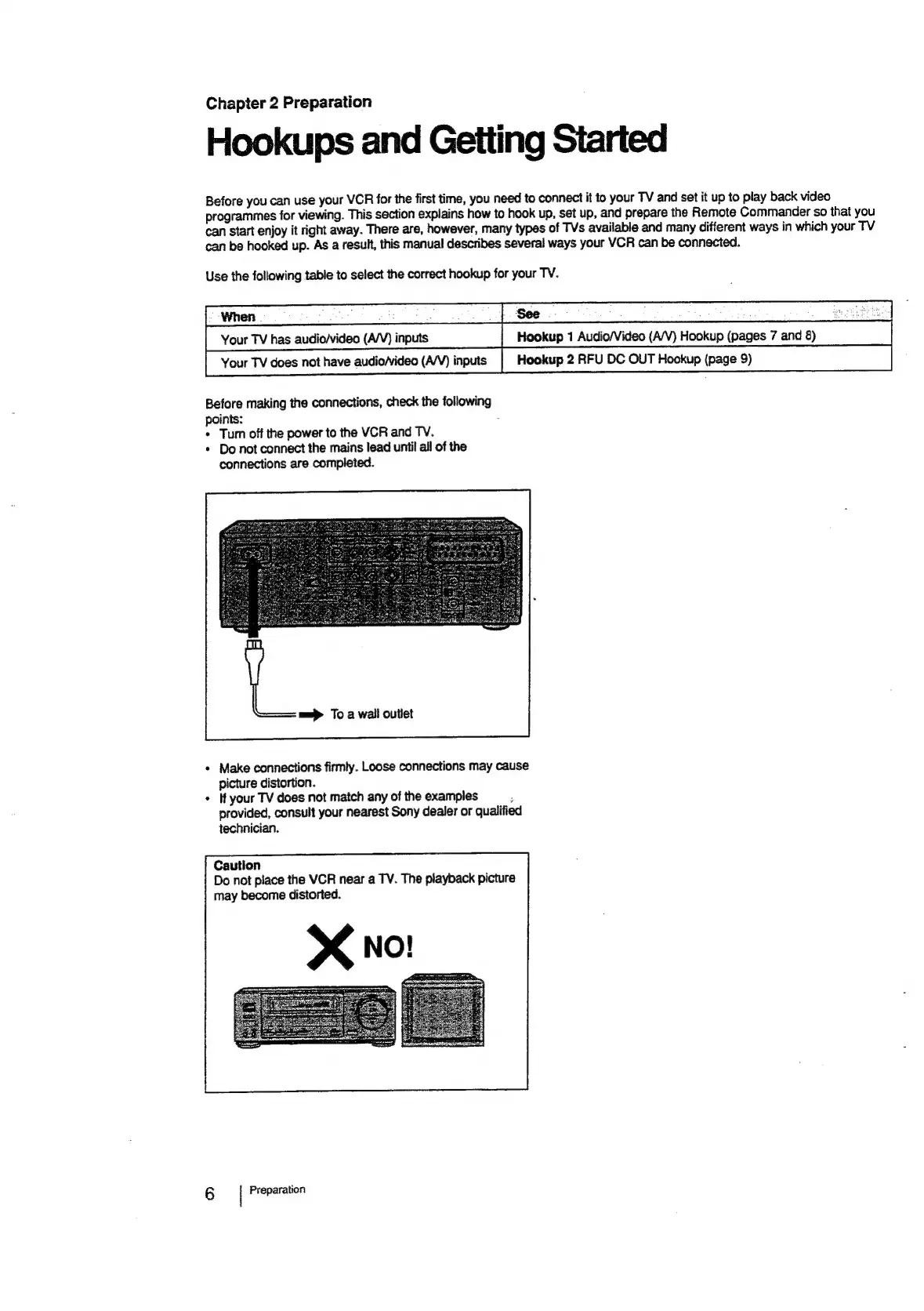
Before
making
the
connections,
check
the
following
points:
:
*
Turn
off
the
power
to
the
VCR
and
TV.
*
Do
not
connect
the
mains
lead
until
all
of
the
connections
are
completed.
m=
To
a
wail
outlet
*
Make
connections
firmly.
Loose
connections
may
cause
picture
distortion.
+
If
your
TV
does
not
match
any
of
the
examples
;
provided,
consult
your
nearest
Sony
dealer
or
qualified
technician.
Caution
Do
not
place
the
VCR
near
a
TV.
The
playback
picture
may
become
distorted.
6
|
Preparation

Related product manuals