EasyManua.ls Logo

Sony EV-C500E - Selecting the Monitor Sound

Sony EV-C500E
38 pages
Print Icon
To Next Page IconTo Next Page
To Previous Page IconTo Previous Page
Loading...
14
Basic
Operations
Selecting
the
Monitor
Sound
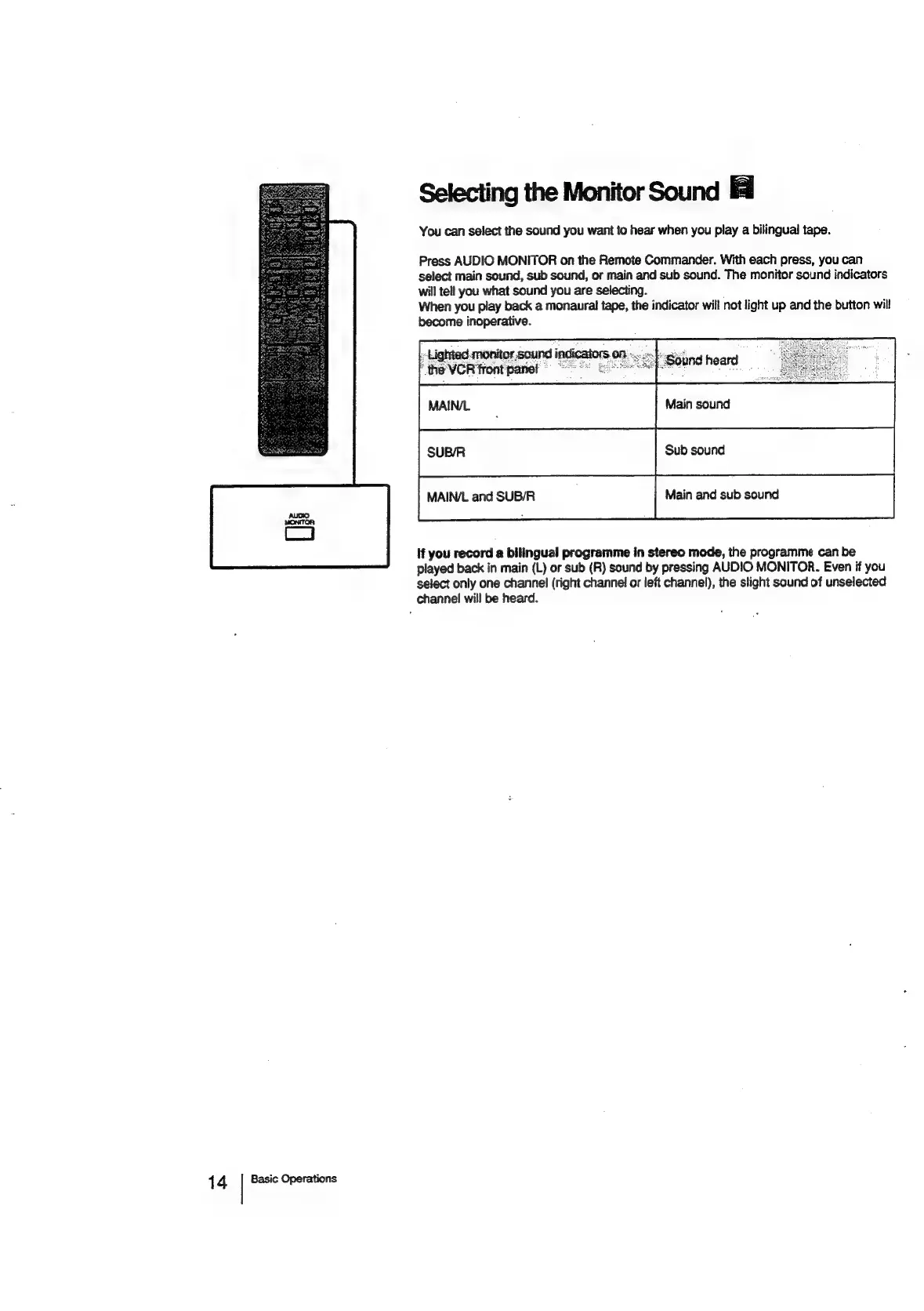
You
can
select
the
sound
you
want
to
hear
when
you
play
a
bilingual
tape.
Press
AUDIO
MONITOR
on
the
Remote
Commander.
With
each
press,
you
can
select
main
sound,
sub
sound,
or
main
and sub
sound.
The
monitor
sound
indicators
will
tell
you
what
sound
you
are
selecting.
When
you
play
back
a
monaural
tape,
the
indicator
will
not
light
up
and
the
button
will
become
inoperative.
“he
VOR
Font
pane!
MAIN/L
and
SUB/R
Main
and
sub
sound
If
you
record
a
bilingual
programme
in
stereo
mode,
the
programme
can
be
played
back
in
main
(L)
or
sub
(R)
sound
by
pressing
AUDIO
MONITOR.
Even
if
you
select
only
one
channel
(right
channel
or
left
channel),
the
slight
sound
of
unselected
channel
will
be
heard.

Related product manuals