FDR-AX43/AX45/AX60
4-734-285-21(1)
F:\56216_EN\SONY\CX49400_IM_GB\4734285211\47342
85211FDRAX434560GB\01GB\020SCT.fm
master:Left
GB
6
[ File Format] is [ AVCHD]
*1
When you create an AVCHD disc from movies recorded with the [ REC
Mode] setting of [Highest Quality ] or [60p Quality ]/[50p
Quality ], it will take a long time to change the image quality.
*2
1080 60i-compatible device
*3
1080 50i-compatible device
To transfer images to a smartphone
You can transfer MP4 images to a smartphone connected to the
camcorder via Wi-Fi (page 30). MP4 format is good for uploading to
the Internet. When [Dual Video REC] is set to [On], the camcorder
records MP4 movies while recording “XAVC S 4K movies”, “XAVC S HD
movies” or “AVCHD movies” at the same time.
• [On] is set for the default value of [Dual Video REC].
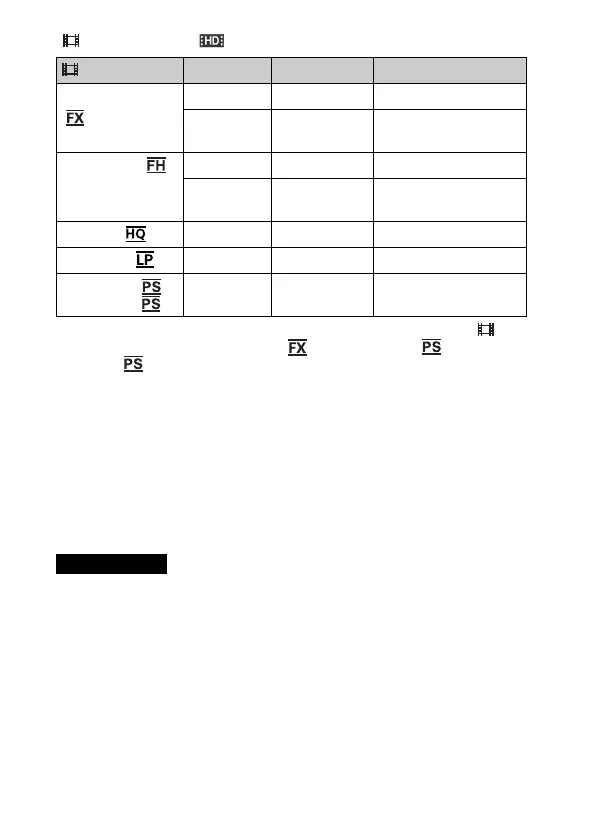
REC Mode
*1
Frame rate Bit-rate Actual movie format
Highest Quality 60i
*2
/50i
*3
Max. 24 Mbps 1,920 × 1,080 (60i/50i)
24p
*2
/25p
*3
Max. 24 Mbps 1,920 × 1,080
(24p/25p)
High Quality 60i
*2
/50i
*3
Avg. 17 Mbps 1,920 × 1,080 (60i/50i)
24p
*2
/25p
*3
Avg. 17 Mbps 1,920 × 1,080
(24p/25p)
Standard 60i
*2
/50i
*3
Avg. 9 Mbps 1,440 × 1,080 (60i/50i)
Long Time 60i
*2
/50i
*3
Avg. 5 Mbps 1,440 × 1,080 (60i/50i)
60p Quality /
50p Quality
60p
*2
/50p
*3
Max.28 Mbps 1,920 × 1,080
(60p/50p)
Notes



 To Next Page