FDR-AX43/AX45/AX60
4-734-285-21(1)
F:\56216_EN\SONY\CX49400_IM_GB\4734285211\47342
85211FDRAX434560GB\01GB\030GET.fm
master:Right
GB
9
Getting started
Charging the battery using your computer
Turn off your camcorder and connect the Multi/Micro USB Terminal of
the camcorder (page 44) to the USB jack of a computer using the
micro USB cable.
• Change the setting of your computer so that it would not enter the sleep
(hibernation) state before charging your camcorder.
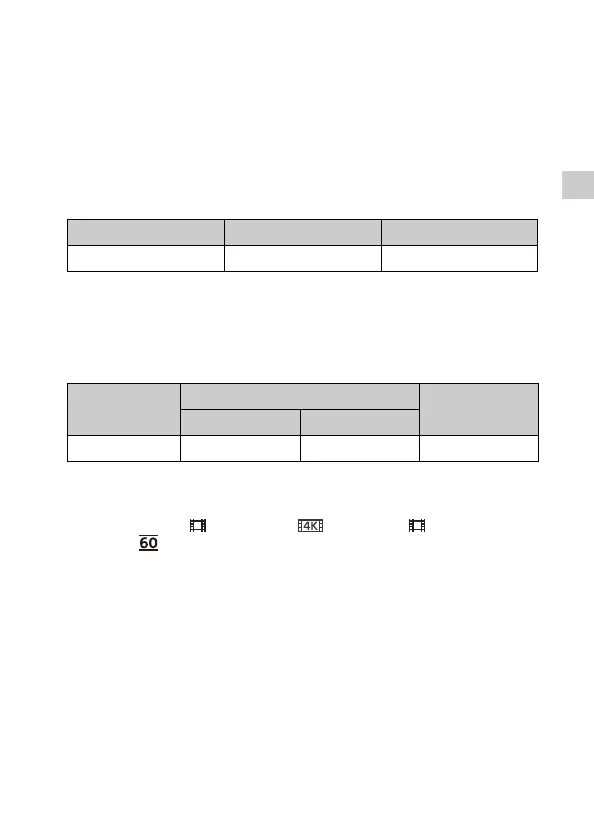
Estimated time of charging the supplied battery pack
(minutes)
• The charging times are measured when charging an empty battery pack
to its full capacity at a room temperature of 25 °C (77 °F).
Estimated time of recording and playback using the
supplied battery pack (minutes)
• The recording and playback times are measured when using the
camcorder at 25 °C (77 °F).
• The recording times are measured when recording movies with the
default settings ([ File Format]: [ XAVC S 4K], [ REC Mode]:
[60Mbps ], [Dual Video REC]: [On]).
• Typical recording time shows the time when you repeat recording start/
stop, switching the [Shooting Mode], and zooming.
• The recording time shows the time when recording with the LCD monitor
open.
To use your camcorder connected to the wall outlet
(wall socket)
The camcorder runs without consuming the battery while it is
connected to the AC adaptor. However, the battery is not charged
while the camcorder is turned on.
Battery pack AC Adaptor (supplied) Computer
NP-FV70A 190 535
Battery pack
Recording time
Playback time
Continuous Typical
NP-FV70A 160 80 280



 To Next Page