EasyManua.ls Logo

Sony FH-B411 - Tape Player Operations; Playing a Tape; Recording a CD to Tape

Sony FH-B411
20 pages
Print Icon
To Next Page IconTo Next Page
To Previous Page IconTo Previous Page
Loading...
Playing
a
Tape
Recording
a
CD
Recording
a
CD:
Specifying
Tape
Length
(time
edit)
Recording
a
CD:
Specifying
Track
Order
(program
edit)
Recording
From
the
Radio
Recording
From
Another
Tape
(dubbing)
Playing
a
Tape
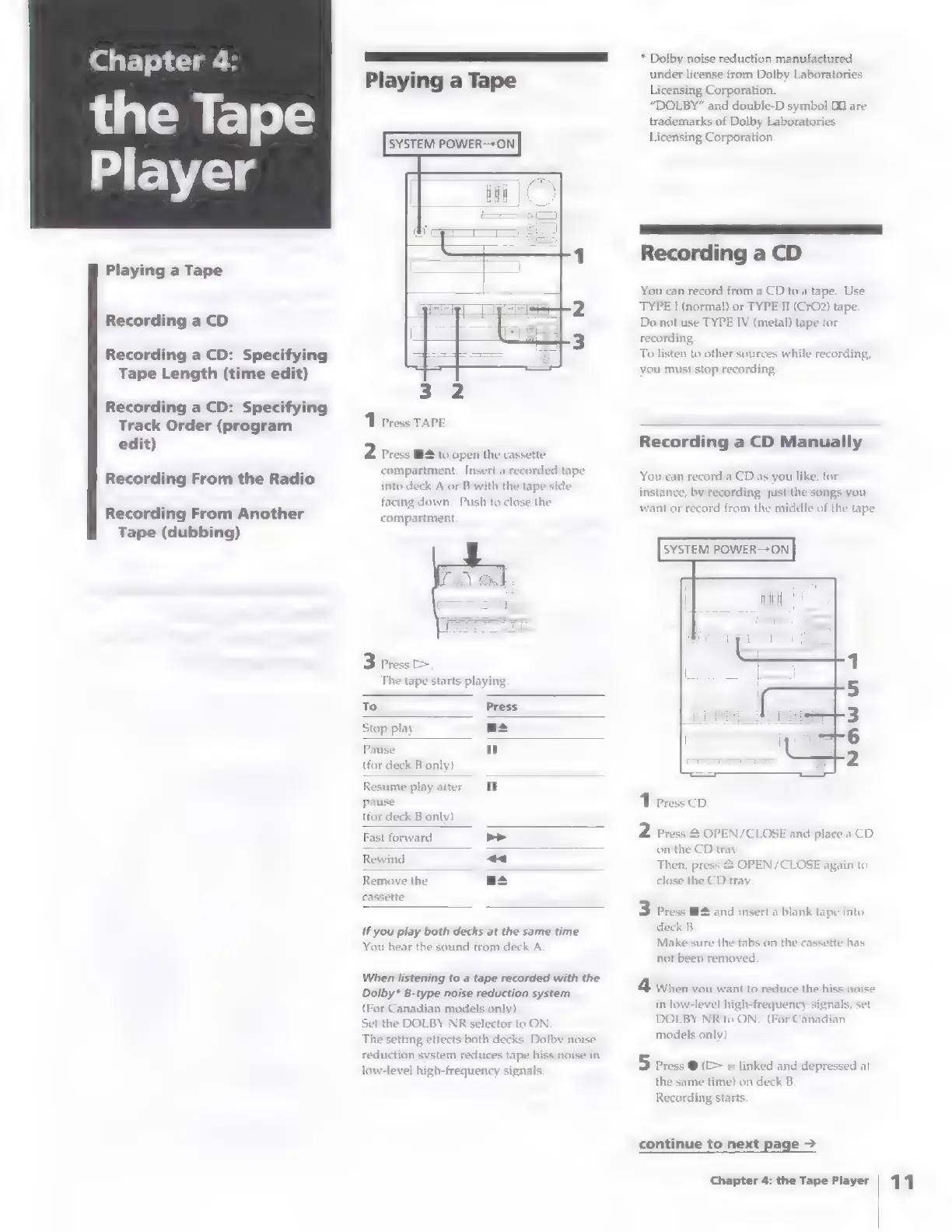
SYSTEM
POWER—+ON
3
2
1
Press
TAPE
2
Press
BH
to
open
the
cassette
compartment.
Insert
a
recorded
tape
into
deck
A
or
B
with
the
tape
side
facing
down.
Push
to
close
the
compartment.
3
Press
The
tape
starts
playing
To
Press
Stop
play
as
Pause
ul
(for
deck
B
only)
Resume
play
after
i
pause
(for
deck
B
only)
Fast
forward
Rewind
pi
al¥
Remove
the
cassette
if
you
play
both
decks
at
the
same
time
You
hear
the
sound
from
deck
A
When
listening
to
a
tape
recorded
with
the
Dolby*
B-type
noise
reduction
system
(For
Canadian
models
only)
Set
the
DOLBY
NR
selector
to
ON
The
setting
effects
both
decks.
Dolby
noise
reduction
system
reduces
tape
hiss
noise
in
low-level
high-frequency
signals.
*
Dolby
noise
reduction
manufactured
under
license
from
Dolby
Laboratories
Licensing
Corporation.
“DOLBY”
and
double-D
symbol
DO
are
trademarks
of
Dolby
Laboratories
Licensing
Corporation.
LL
—————
Recording
a
CD
You
can
record
from
a
CD
to
a
tape.
Use
TYPE
I
(normal)
or
TYPE
TI
(CrO2)
tape.
Do
not
use
TYPE
IV
(metal)
tape
for
recording,
To
listen
to
other
sources
while
recording,
you
must
stop
recording,
Recording
a
CD
Manually
You
can
record
a
CD
as
you
like,
for
instance,
by
recording
just
the
songs
you
want
or
record
from
the
middle
of
the
tape.
SYSTEM
POWER-+ON
1
Press
CD
2
Press
2
OPEN/CLOSE
and
place
a
CD
on
the
CD
tray
Then,
press
&
OPEN/CLOSE
again
to
close
the
CD
tray
3
Press
M4
and
insert
a
blank
tape
into
deck
B
Make
sure
the
tabs
on
the
cassette
has
not
been
removed
4
When
you
want
to
reduce
the
hiss
noise
in
low-level
high-frequency
signals,
set
DOLBY
NR
to
ON.
(For
Canadian
models
only)
5
Press
@
(>
is
linked
and
depressed
at
the
same
time)
on
deck
B.
Recording
starts.
continue
to
next
page
>
Chapter
4:
the
Tape
Player
|
4