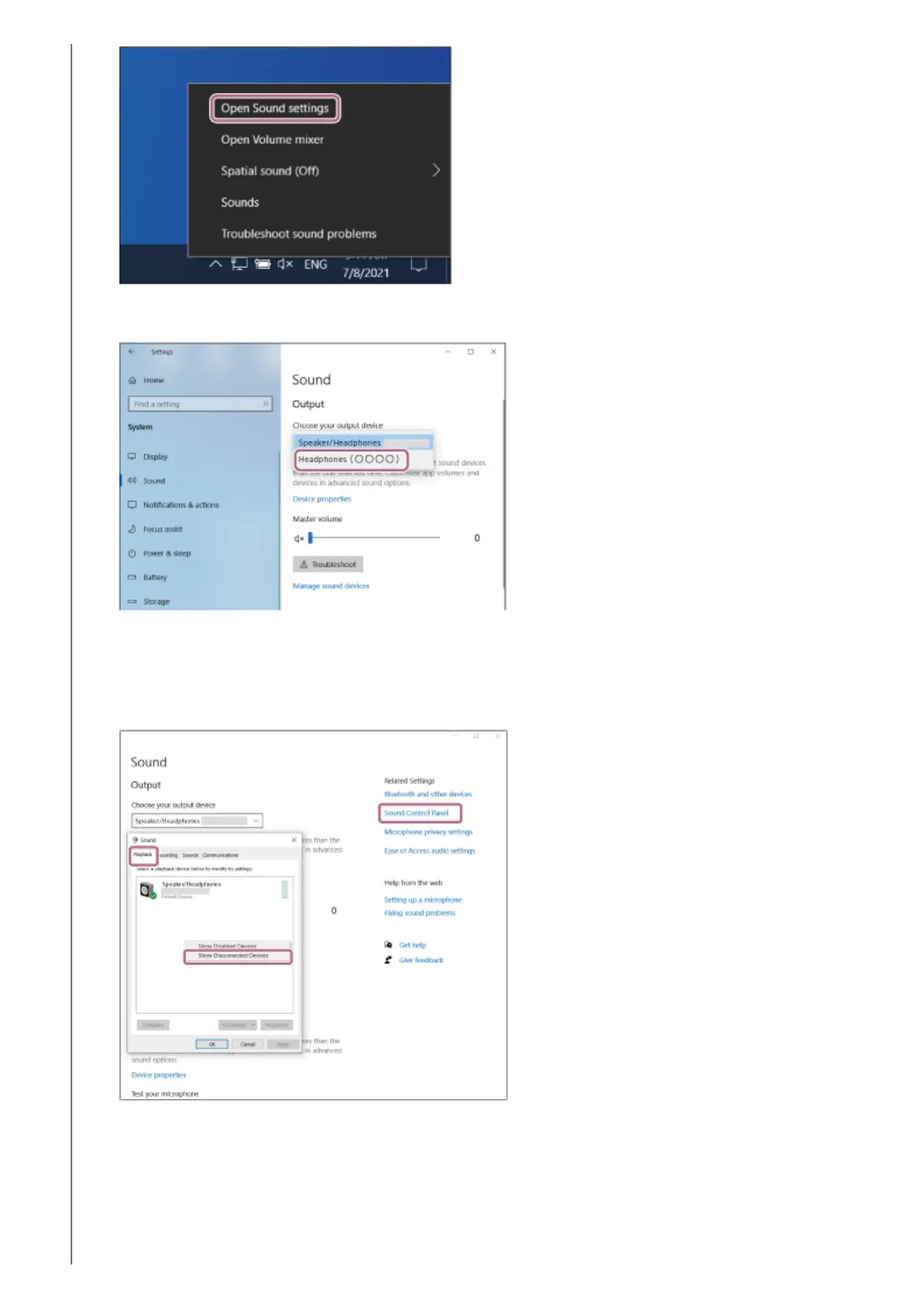
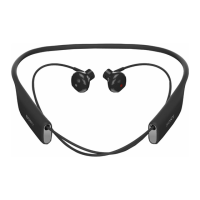
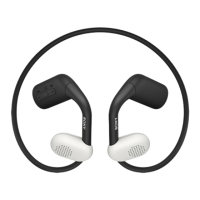
From the [Choose your output device] drop-down menu, select [Headphones (Float Run Stereo)].
If [Headphones (Float Run Stereo)] is not displayed on the drop-down menu, proceed to step 3.
2.
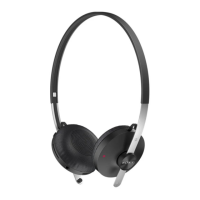
Click [Sound Control Panel], right-click on the [Playback] tab on the [Sound] screen, and check the [Show
Disconnected Devices] checkbox.
3.
Select [Connect] from the displayed menu.4.


 To Next Page