Help Guide
Wireless Stereo Headset
Float Run
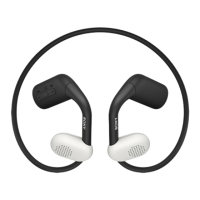
Location and function of parts
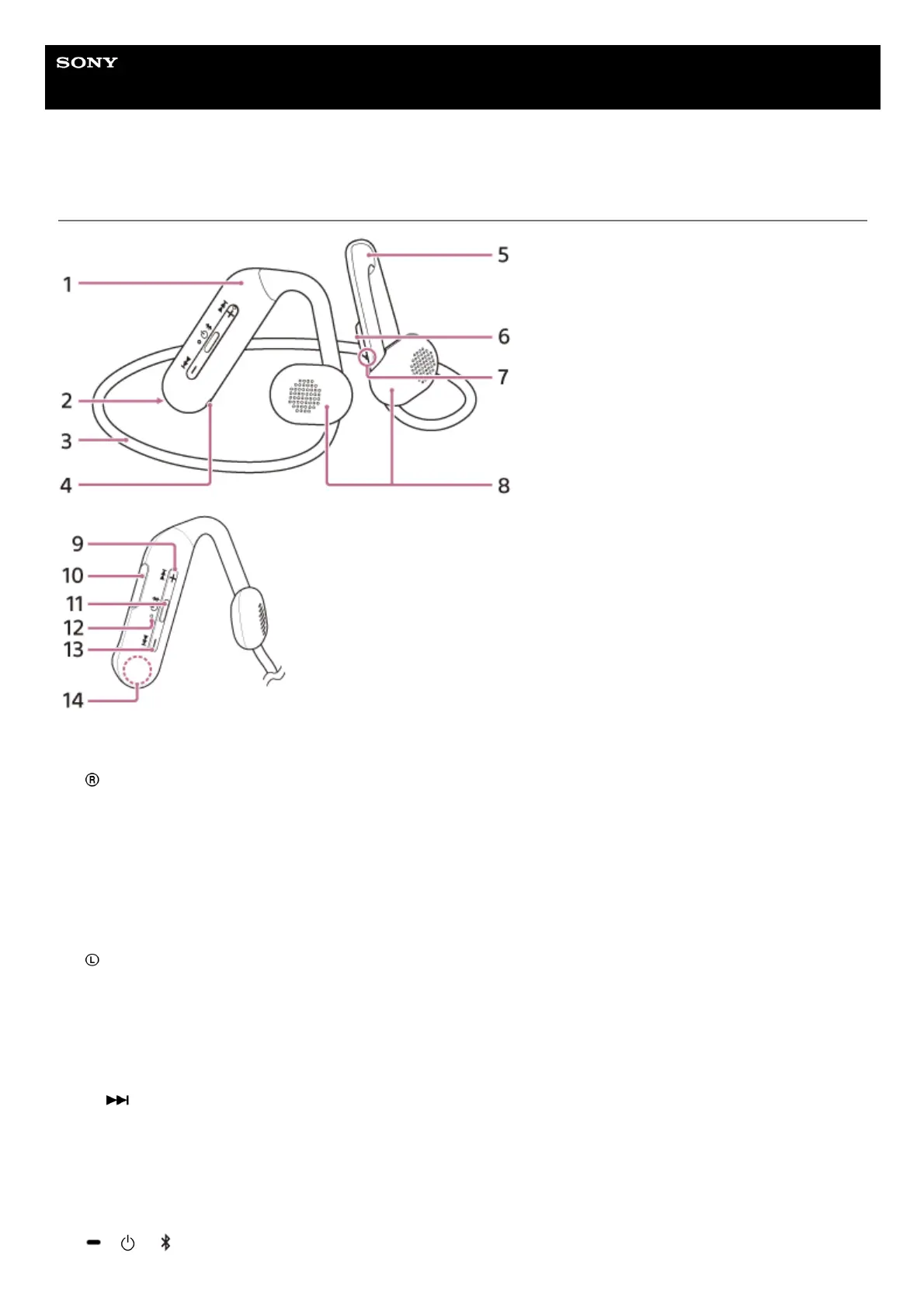
Right unit/remote control component1.
(right) mark2.
Neckband3.
Microphone
Picks up the sound of your voice when talking on the phone.
4.
Left unit5.
(left) mark6.
Tactile dot
There is a tactile dot on the left unit.
7.
Housings (left, right)8.
+ /
(volume +/next) button
There is a tactile dot on the + button.
9.
USB Type-C port
Connect the headset to a computer, or to an AC outlet via a commercially available USB AC adaptor, with the
supplied USB Type-C cable to charge the headset.
10.
/ / (play/call/power/Bluetooth) button11.


 To Next Page