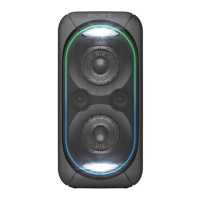
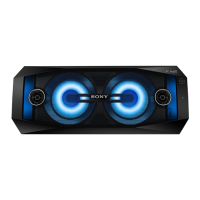
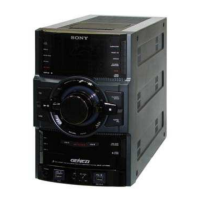
GTK-XB72
10
Sony CONFIDENTIAL
For Authorized Servicer
2-3. SIDE PANEL ASSY BLOCK-2 (LEFT SIDE)
top side
left side
bottom side
rear side
boss
(with bond)
1 Grasp the smartphone holder
portion, lift up the side panel
assy (left) block from the
rear side.
total five bosses
(with bond)
3 Lift up the side panel assy (left) block
until the sound that hook disengages
is heard and remove eight hooks.
terminal
side
2 Lift up the side panel assy
(left) block, remove five
bosses so as to draw out from
the speaker cabinet gradually.
4 Lower the side panel
assy (left) block.
7 cable (KEY-MAIN) connector
(2P) (XP5)
8 FFC (KL-RA and KR-RA)
(XP8) (12 core)
5 Remove the side panel assy (left)
block in the direction of the arrow.
0 side panel assy (left) block
smartphone
holder
total five bosses
total five holes
– Inner view –
– left view –
top side
bottom side
Note 2:
When installing the side panel assy (left) block,
remove cleanly the sticked bond on bosses and
holes and apply bond to the side panel assy
(left) block again and install it.
Hot to install the side panel assy (left) block
total eight hooks
hook
6 Draw the cable (KEY-MAIN)
out of the fook on the top
bracket.
hole
9 Draw the FFC (KL-RA
and KR-RA) out of the
hole on the top bracket.
When the side panel assy (left) cannot be lifted up
When the side panel assy (left) cannot be lifted up, insert a jig into gap
between side panel assy (left) and speaker cabinet, lift up a jig gradually,
and draw out the boss on the side panel assy (left) from the speaker cabinet.
boss
(with bond)
Note 1:
Work slowly so an not to damage the side panel assy (left) with a jig.
SYSSET
2019/01/1806:06:34(GMT+09:00)



 To Next Page
 Loading...